
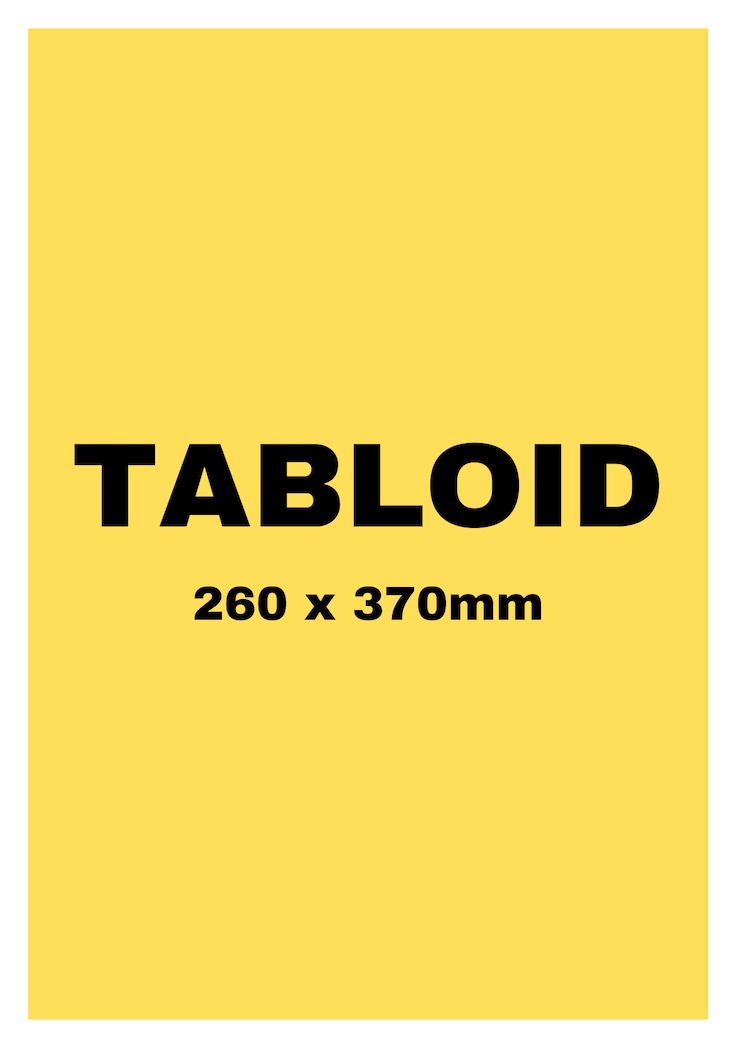
Tabloid
The classic newspaper format, the most popular.

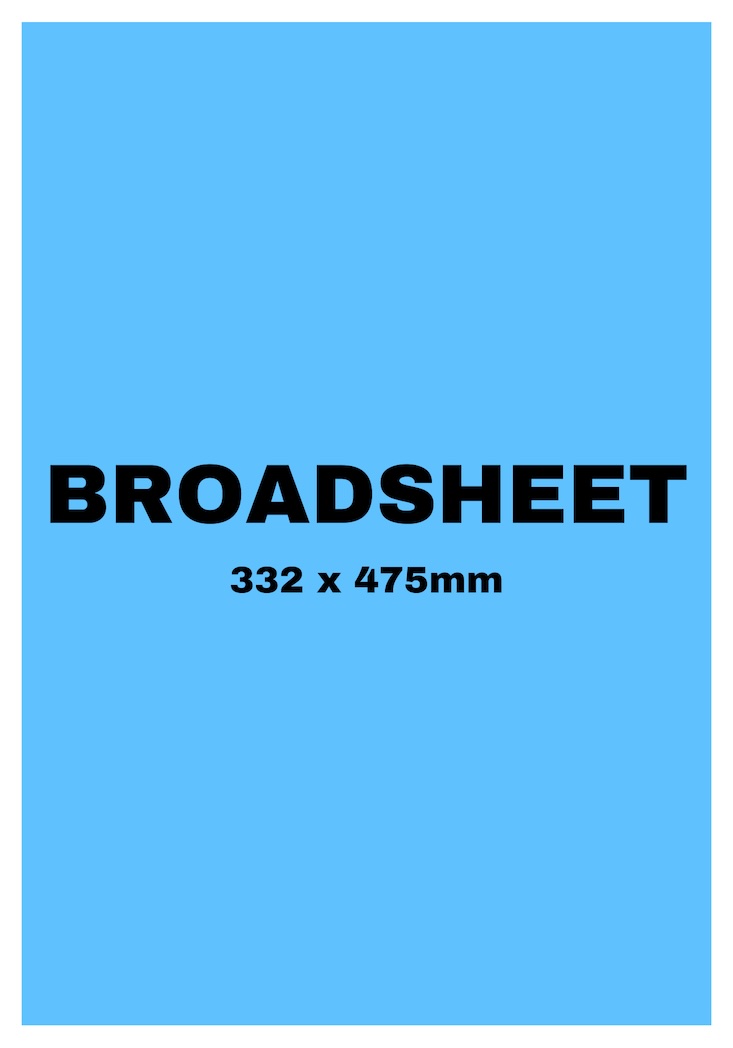
Broadsheet
Large-format newspaper, ideal for impact.


Tabloid
The classic newspaper format, the most popular.
Broadsheet
Large-format newspaper, ideal for impact.
Our products
Download ready-to-use newspaper templates. Canva, InDesign, Scribus, Photoshop, or Word – use the editor of your choice to create your own newspaper. You'll find below newspaper templates made for InDesign, Canva and Word. They are free and ready to use!

Blank Tabloid
Blank Broadsheet
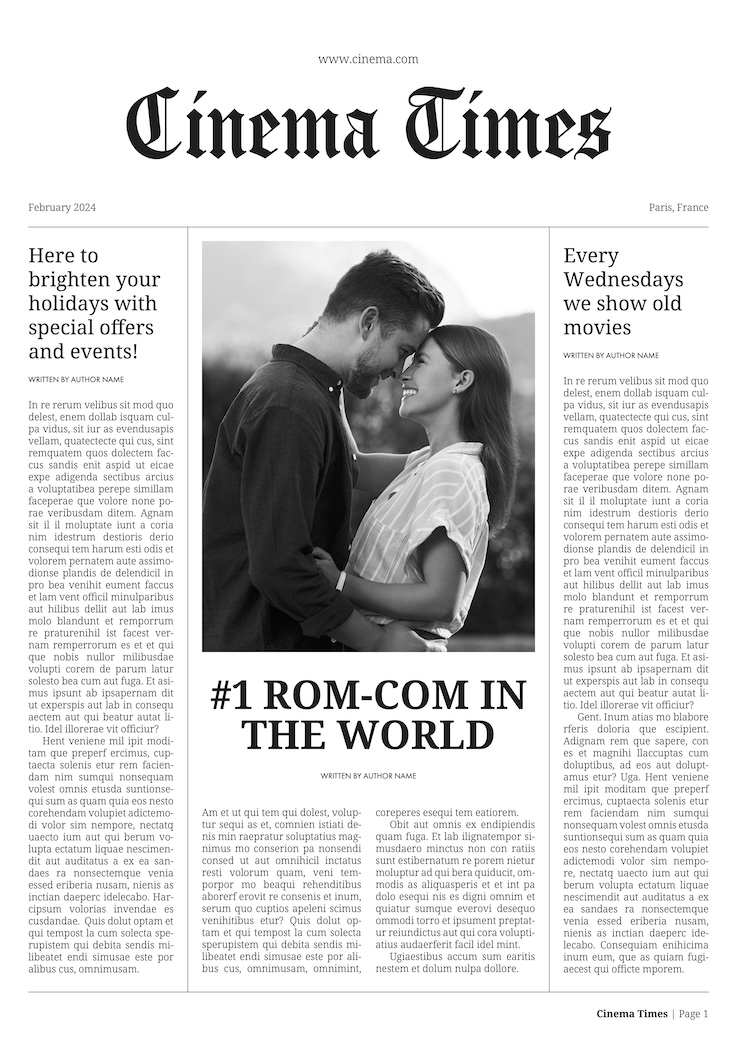
Vintage
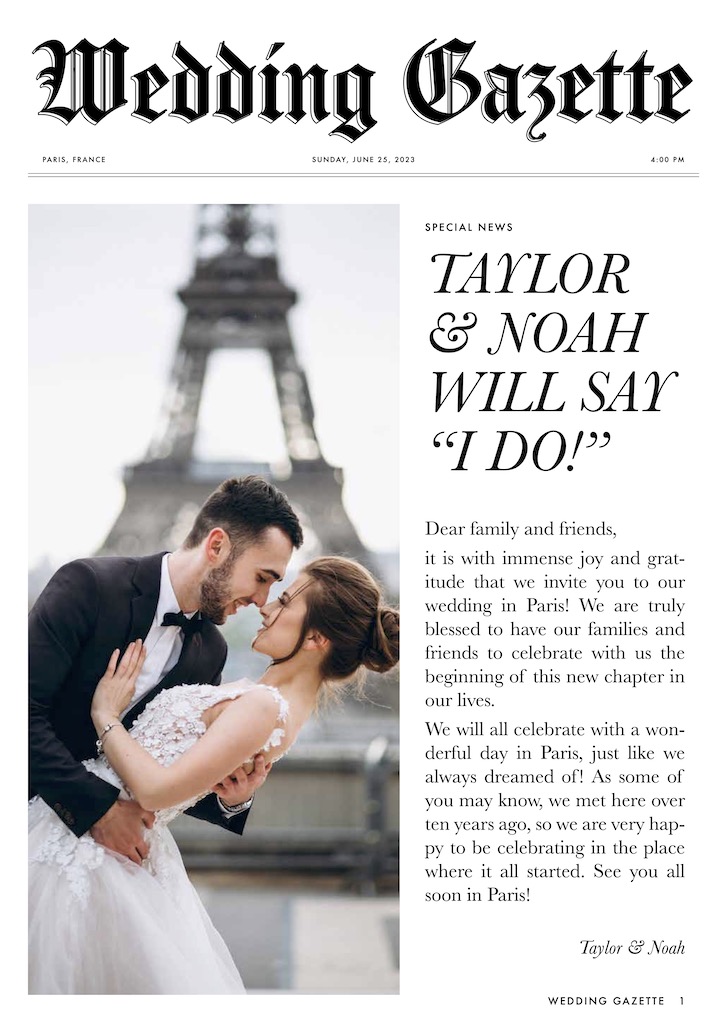
Wedding
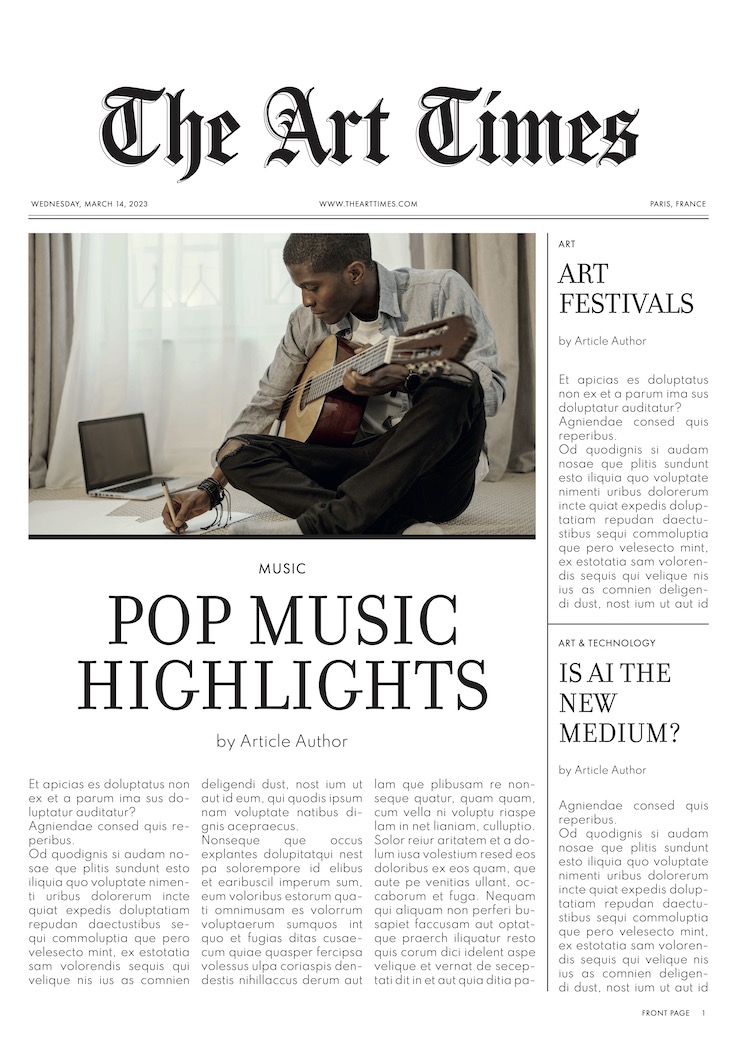
Art
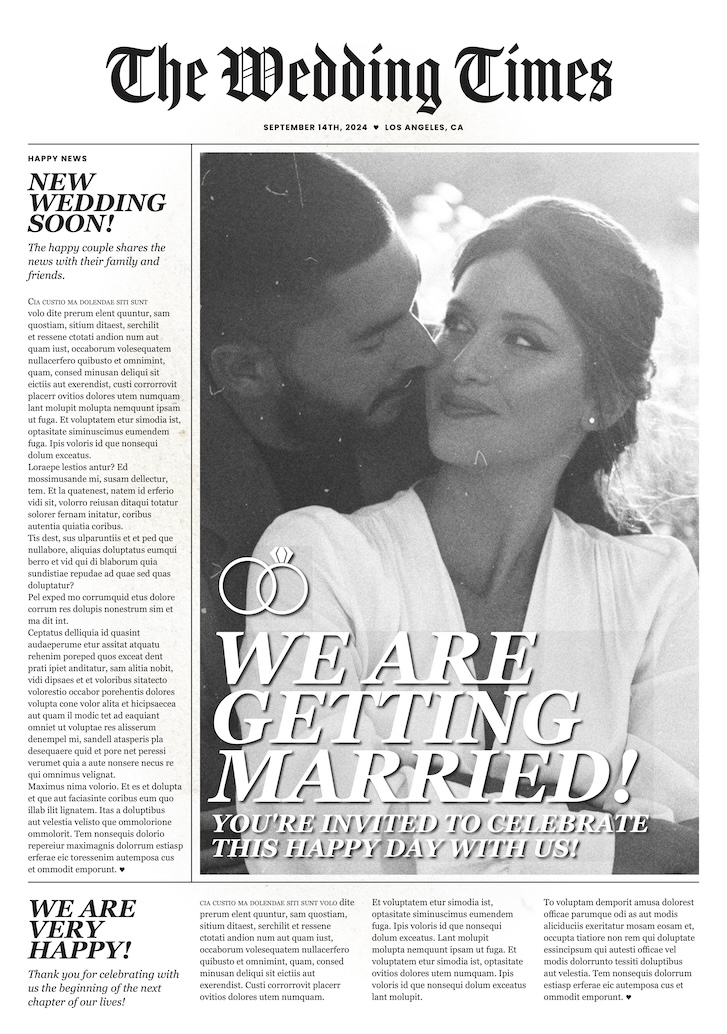
Wedding
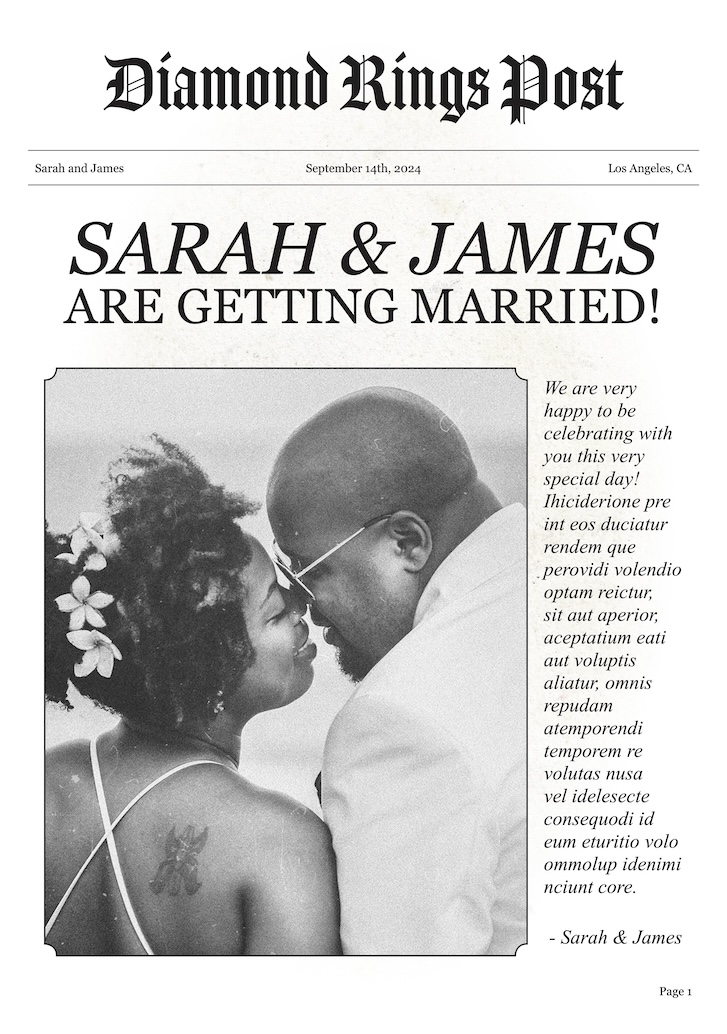
Wedding
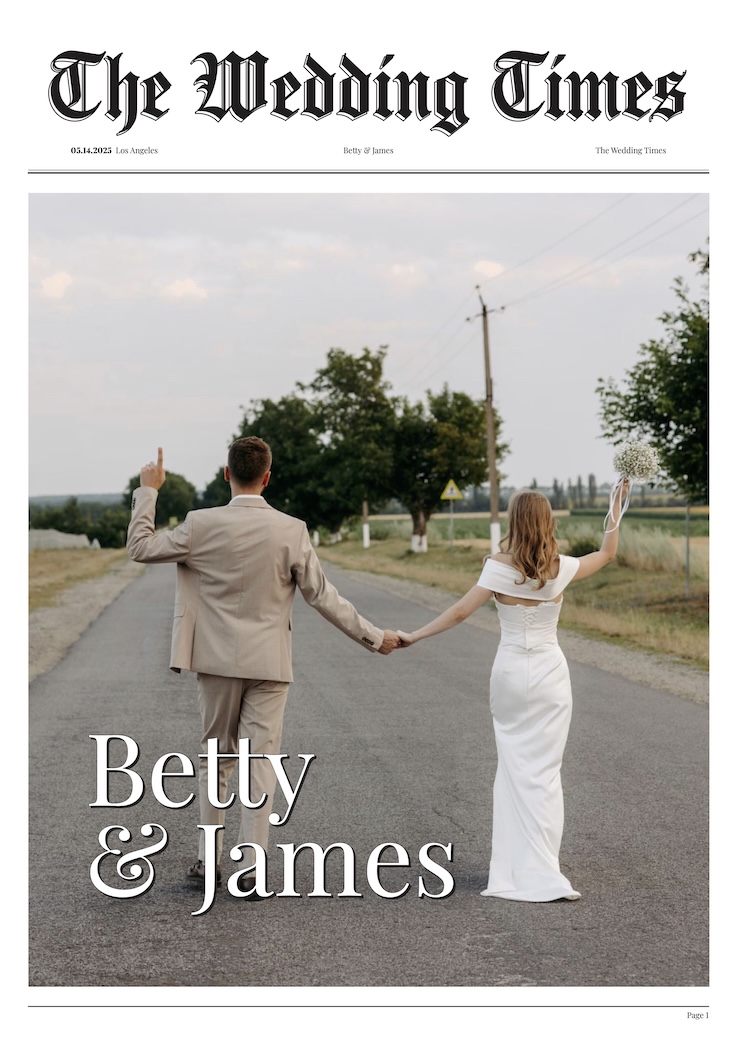
Wedding
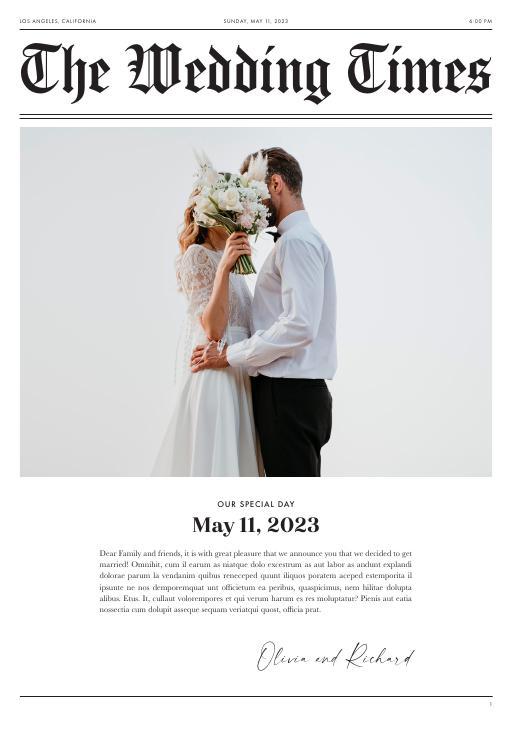
Wedding

Wedding
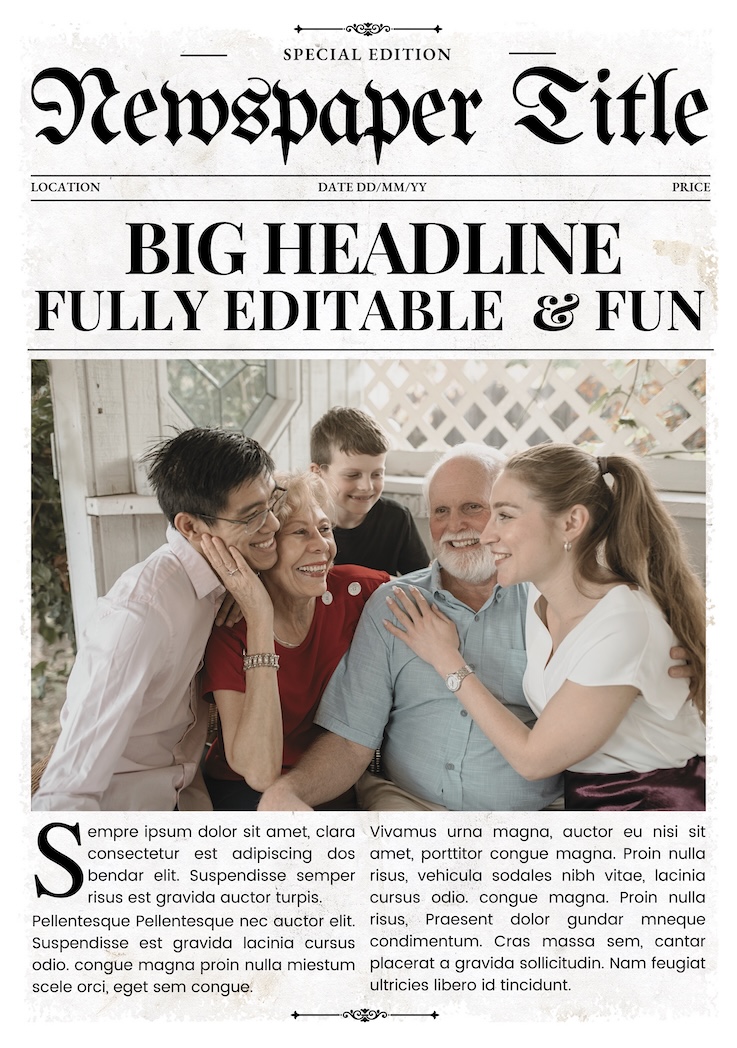
Vintage newspaper
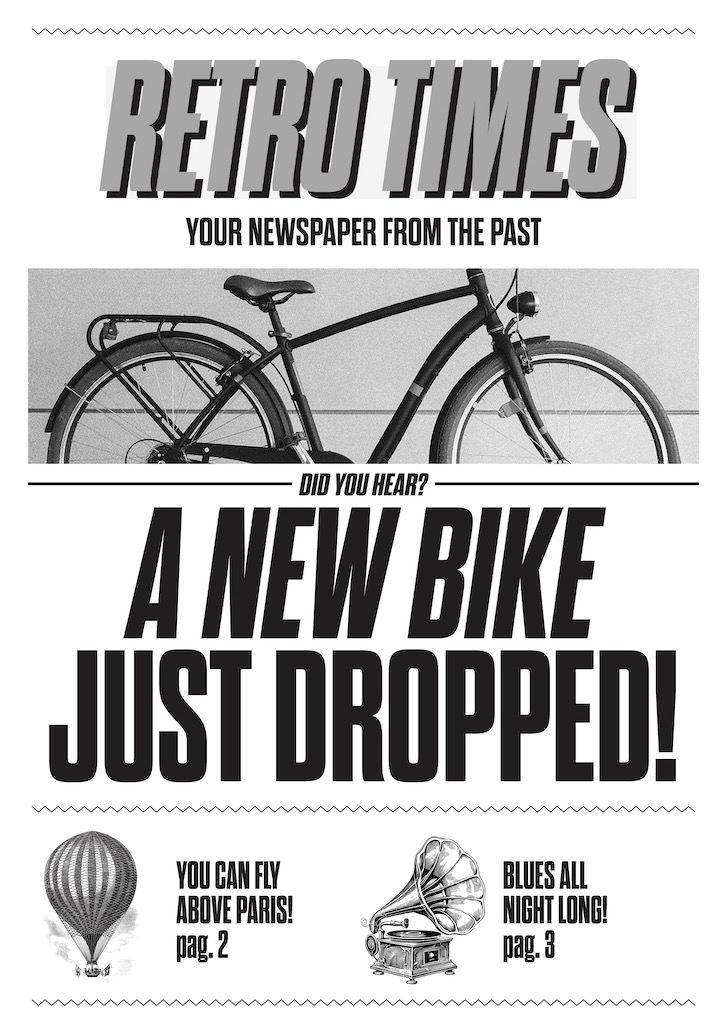
Vintage
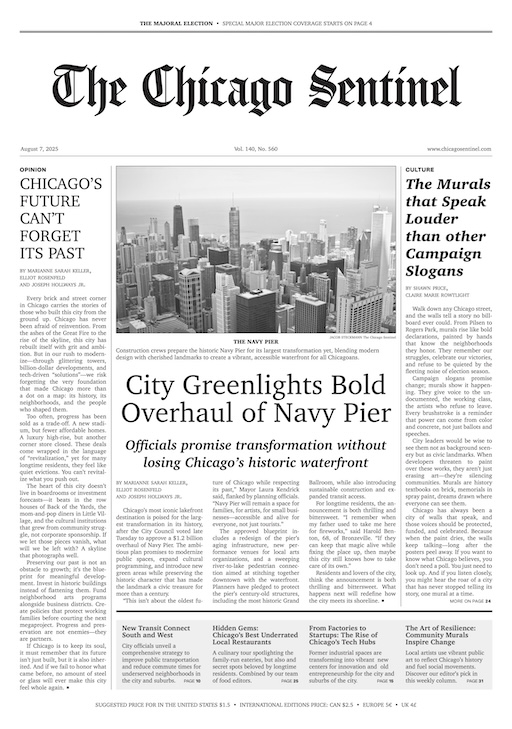
Traditional
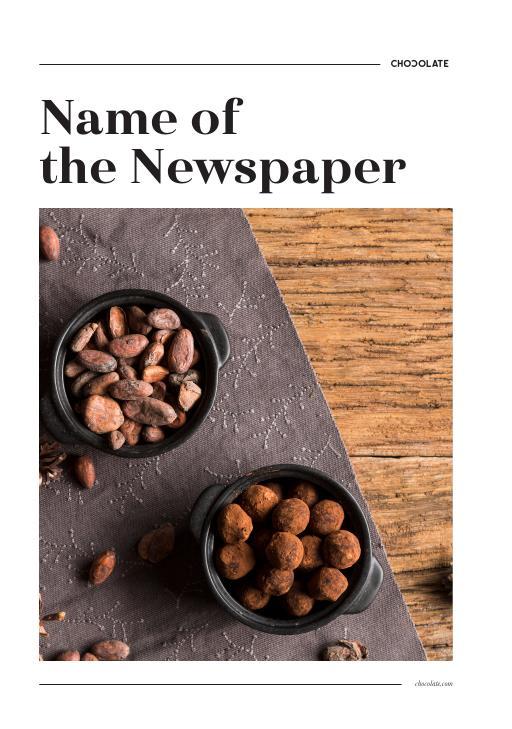
Corporate
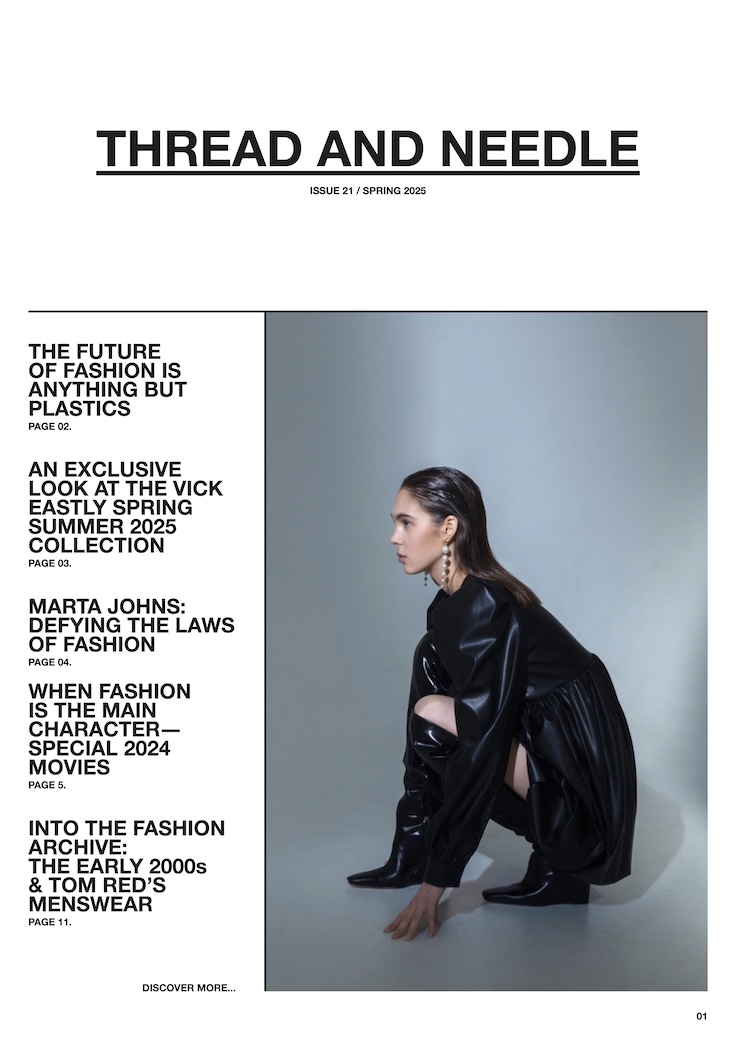
Fashion
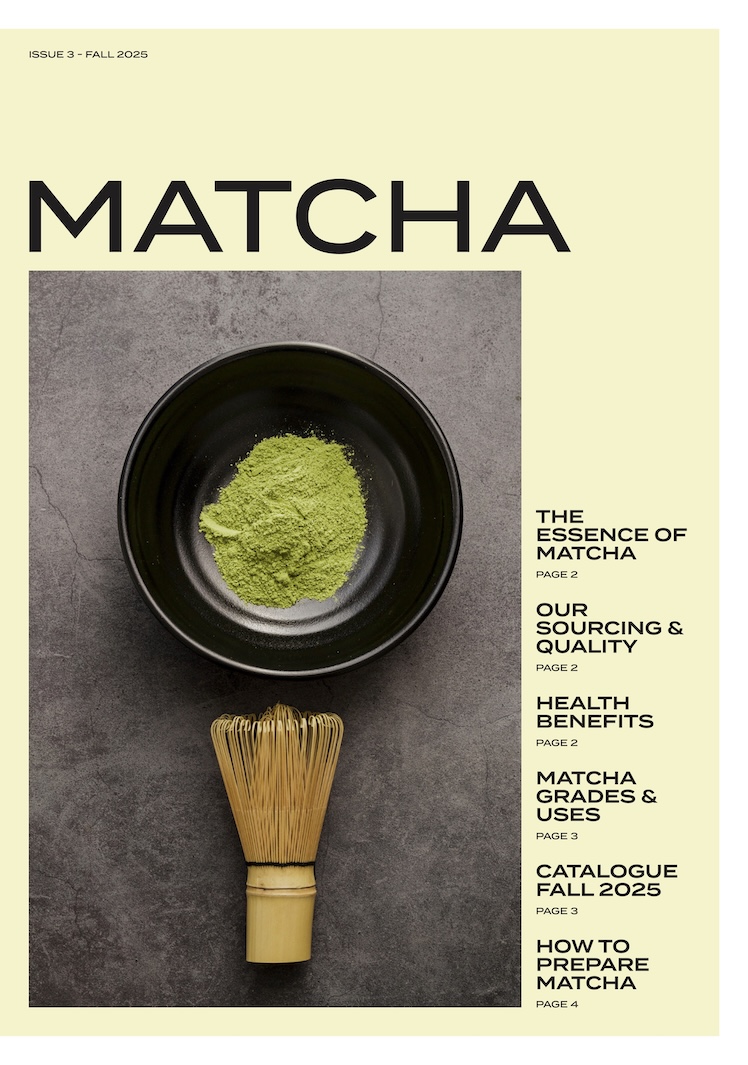
Matcha
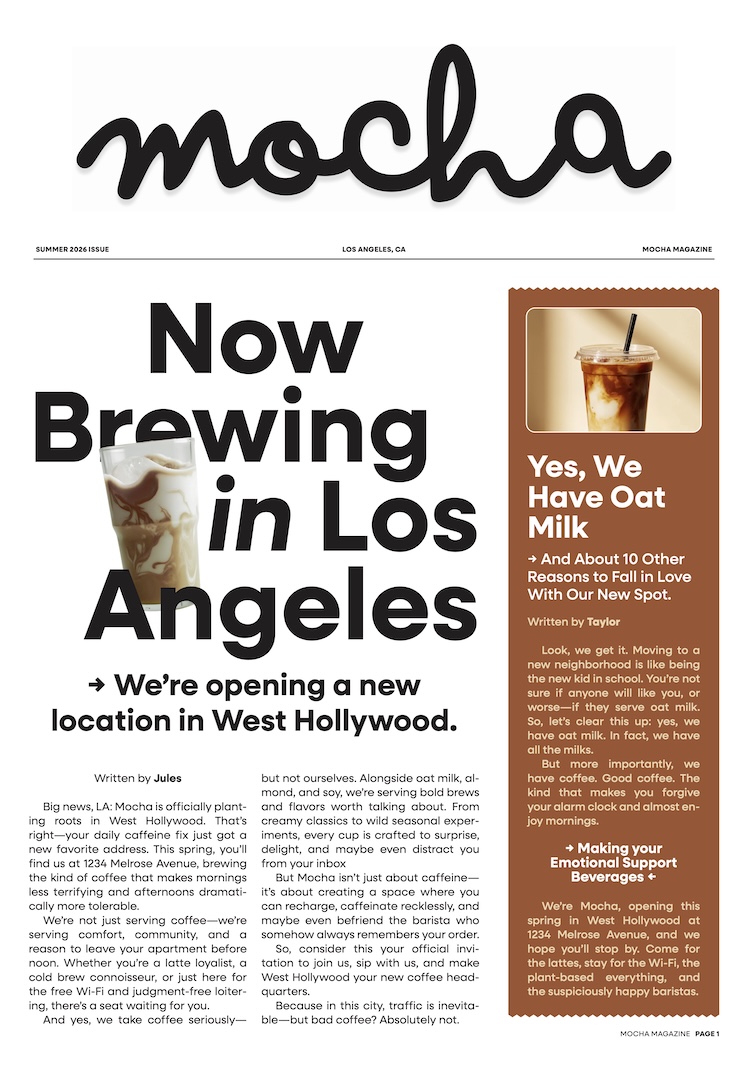
Mocha
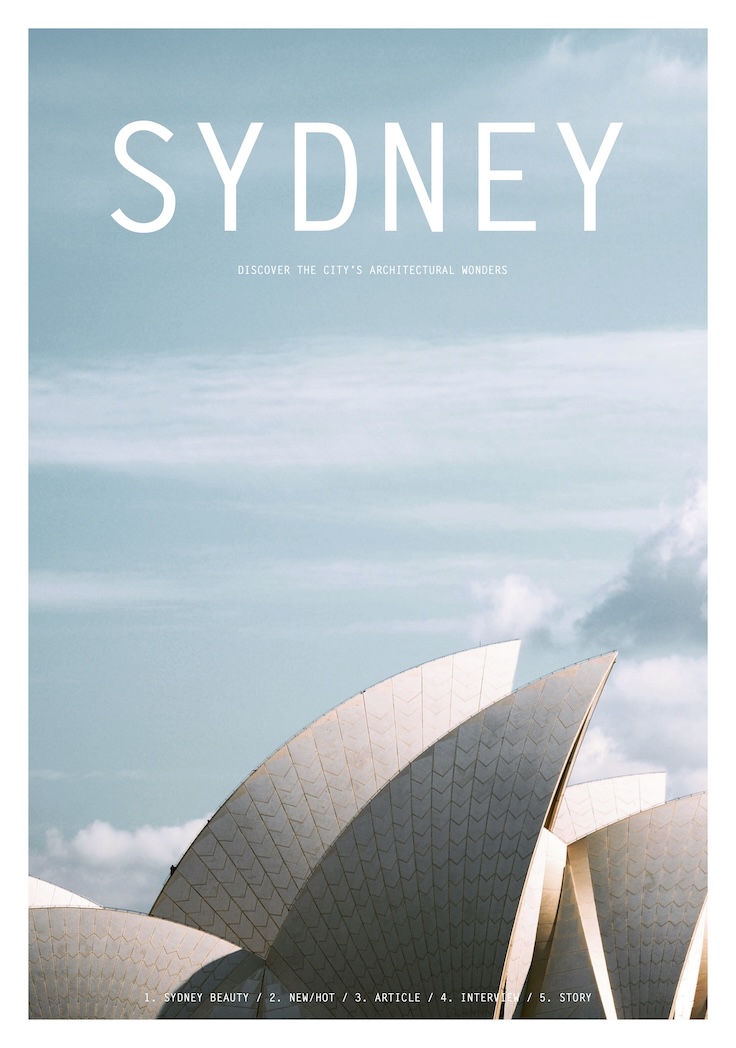
Architecture
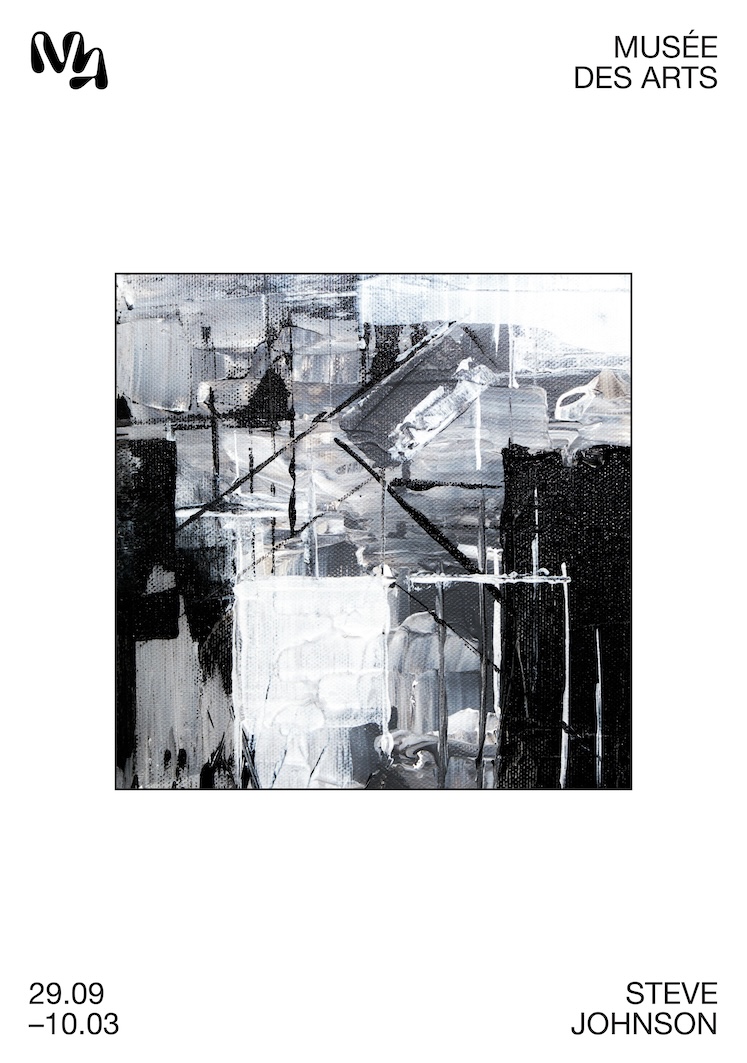
Museum
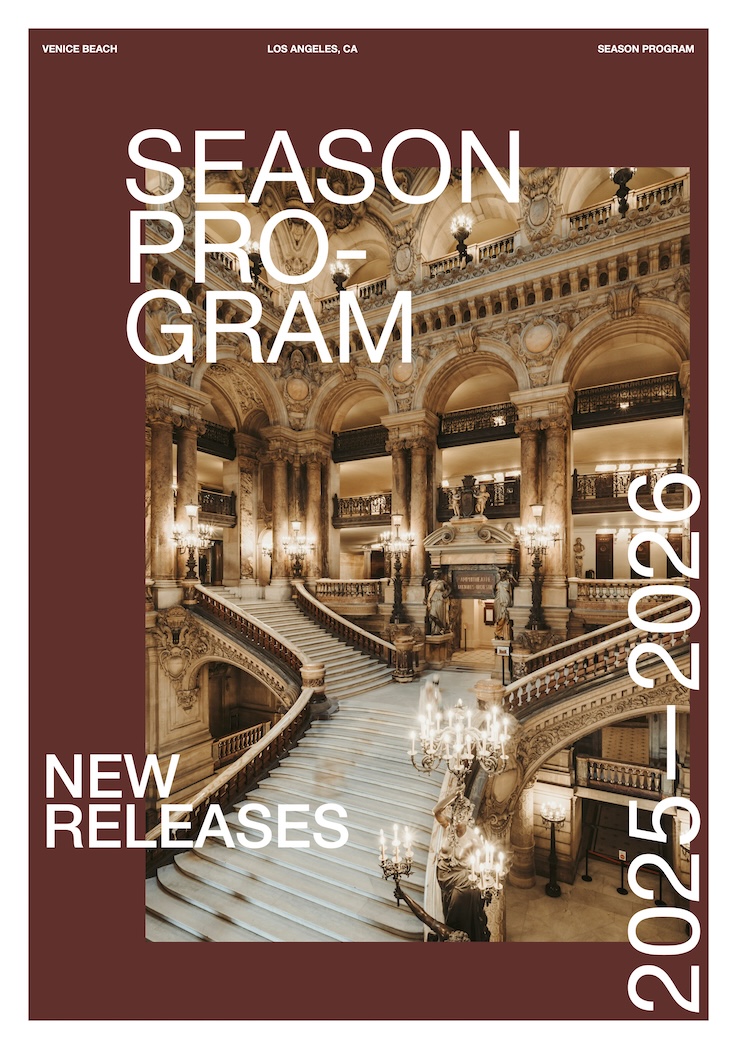
Theater

Magazine
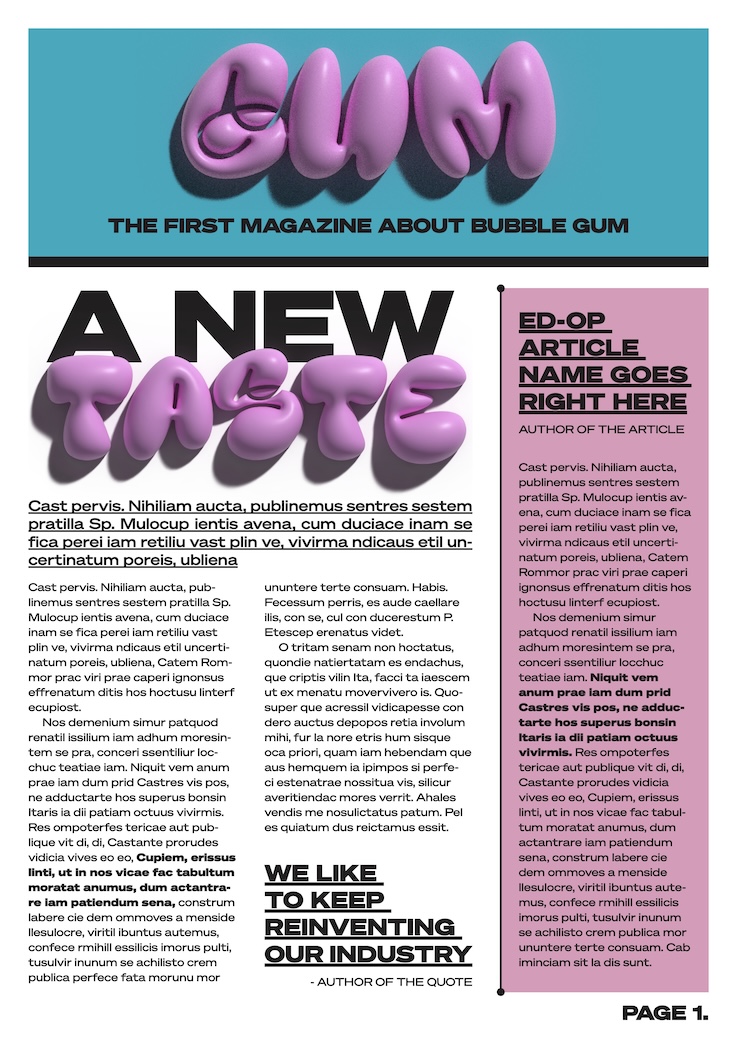
Magazine
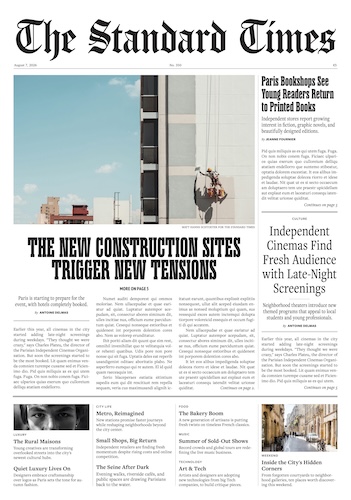
Standard Times
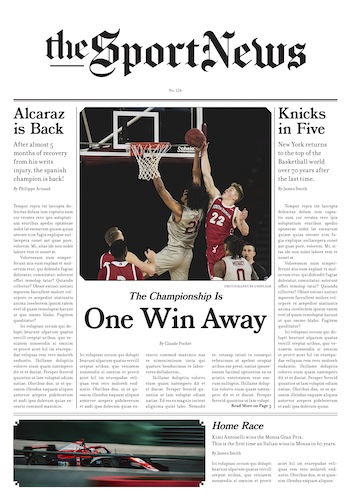
Sport
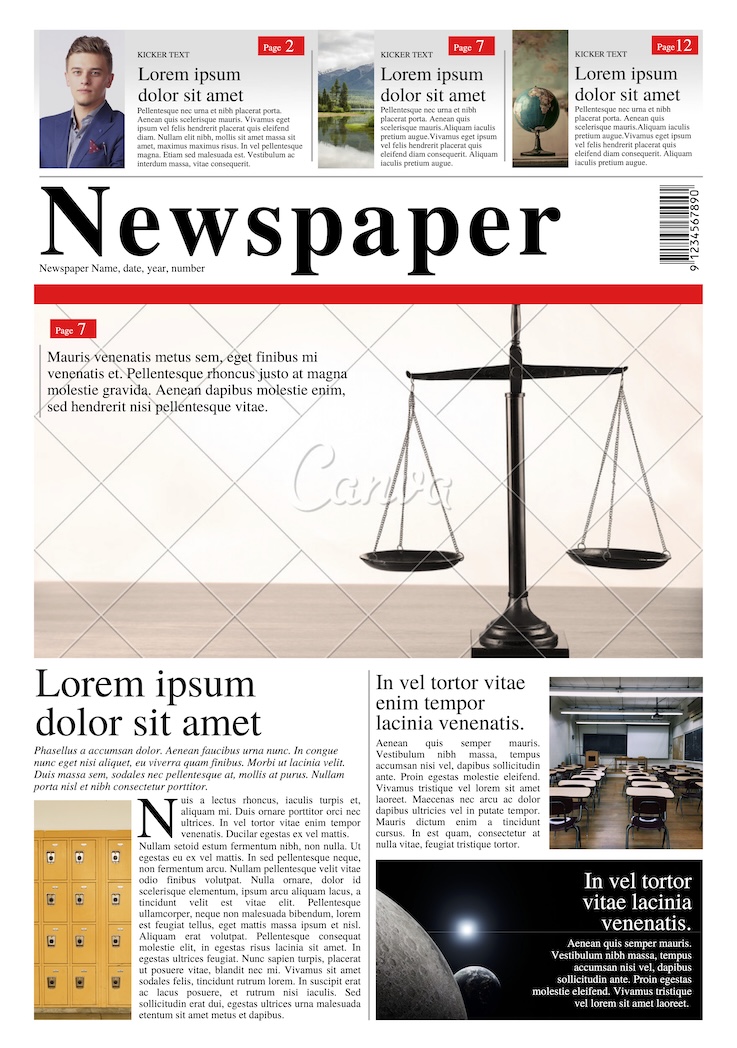
Classic Newspaper
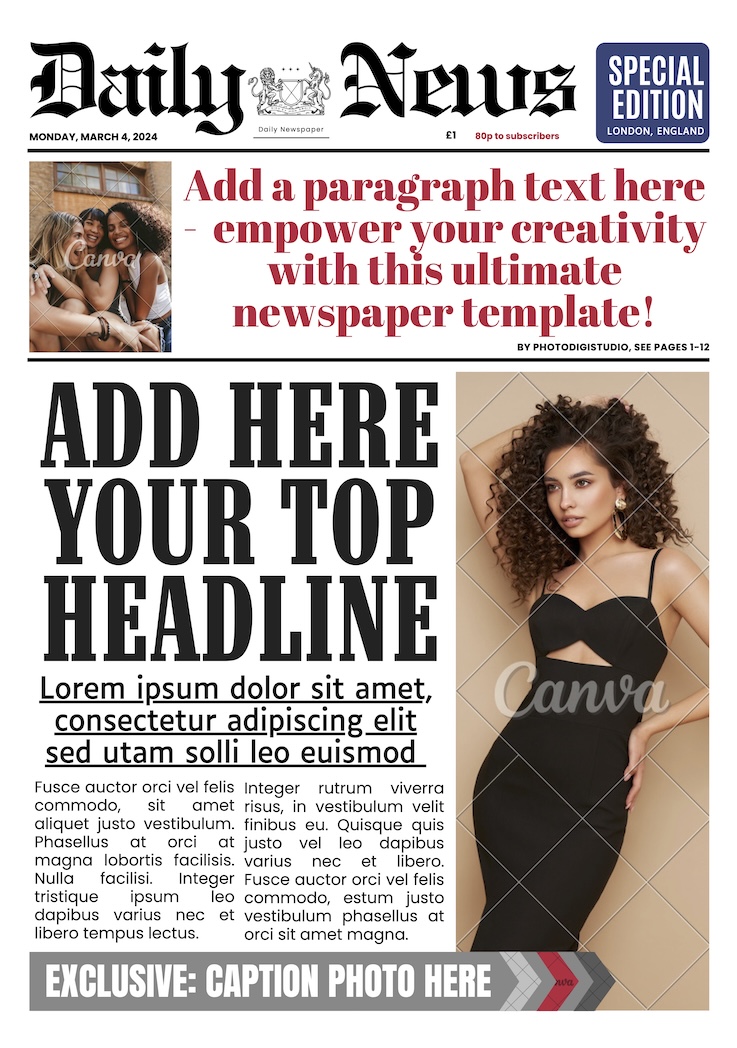
Daily News
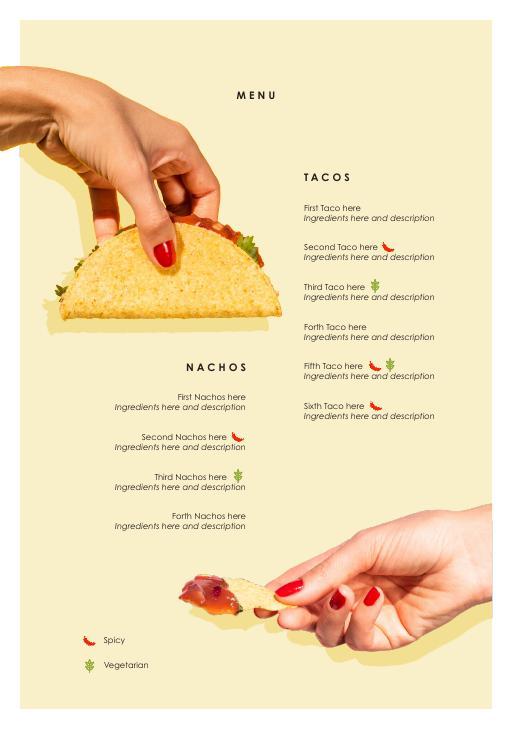
Restaurant
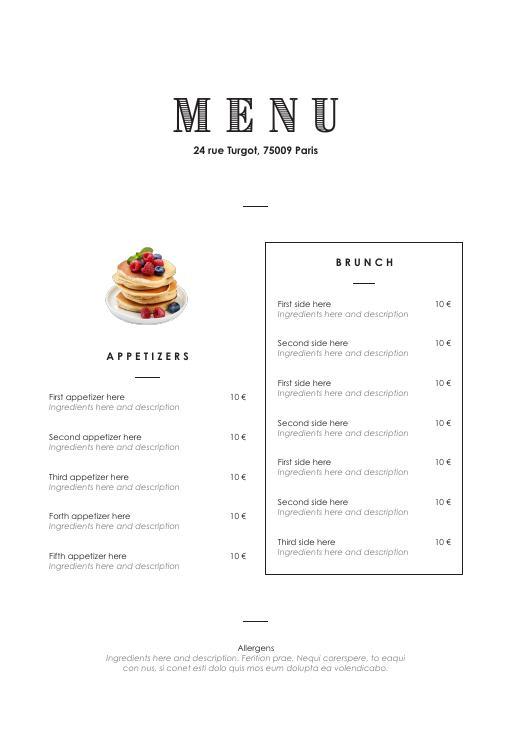
Restaurant
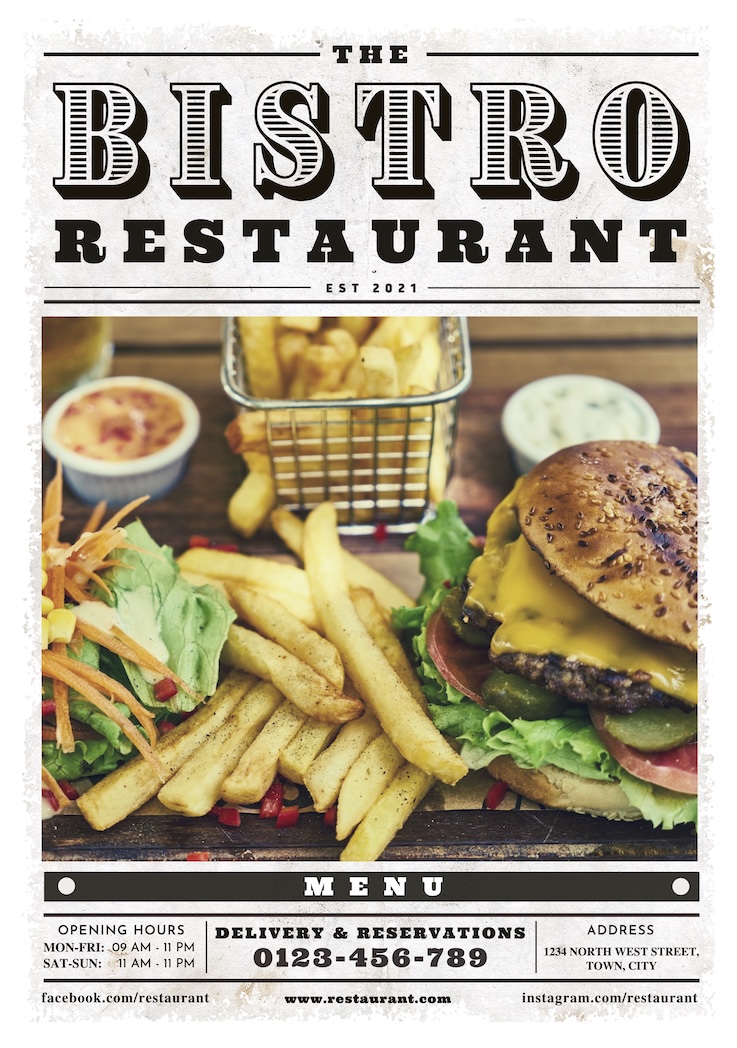
Restaurant
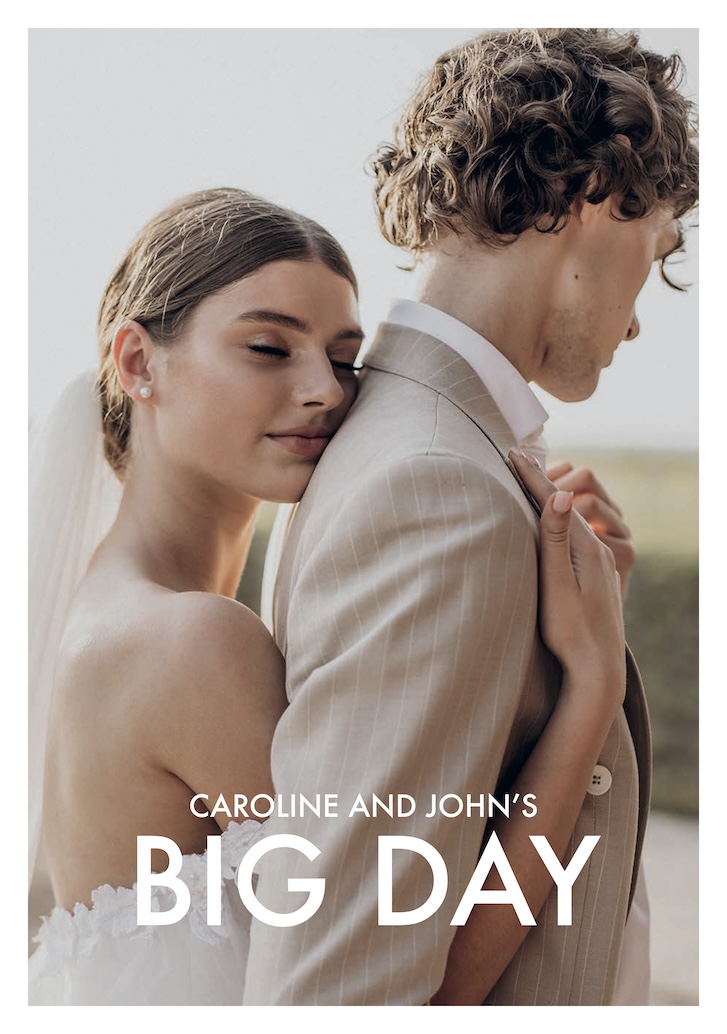
Wedding
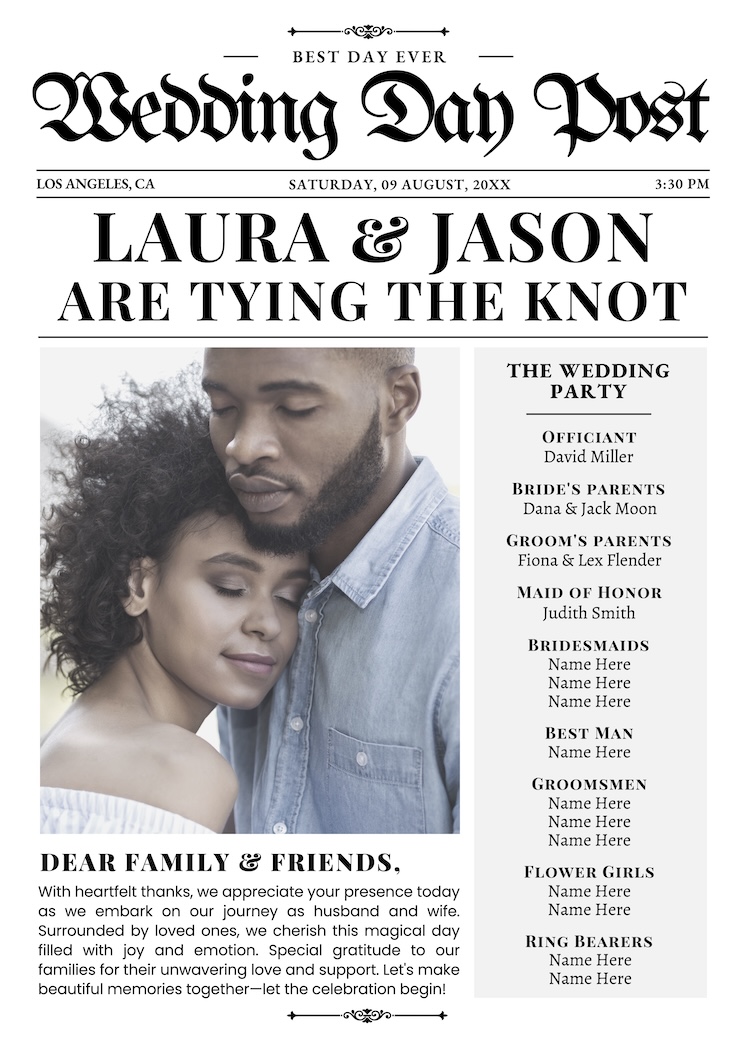
Wedding program
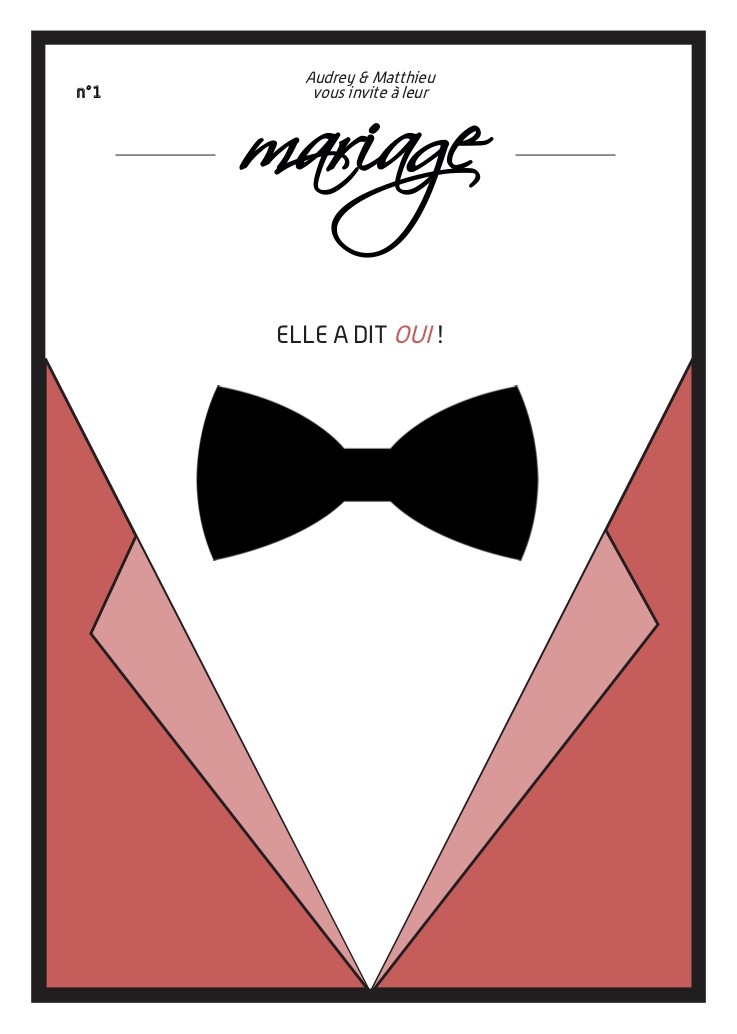
Wedding
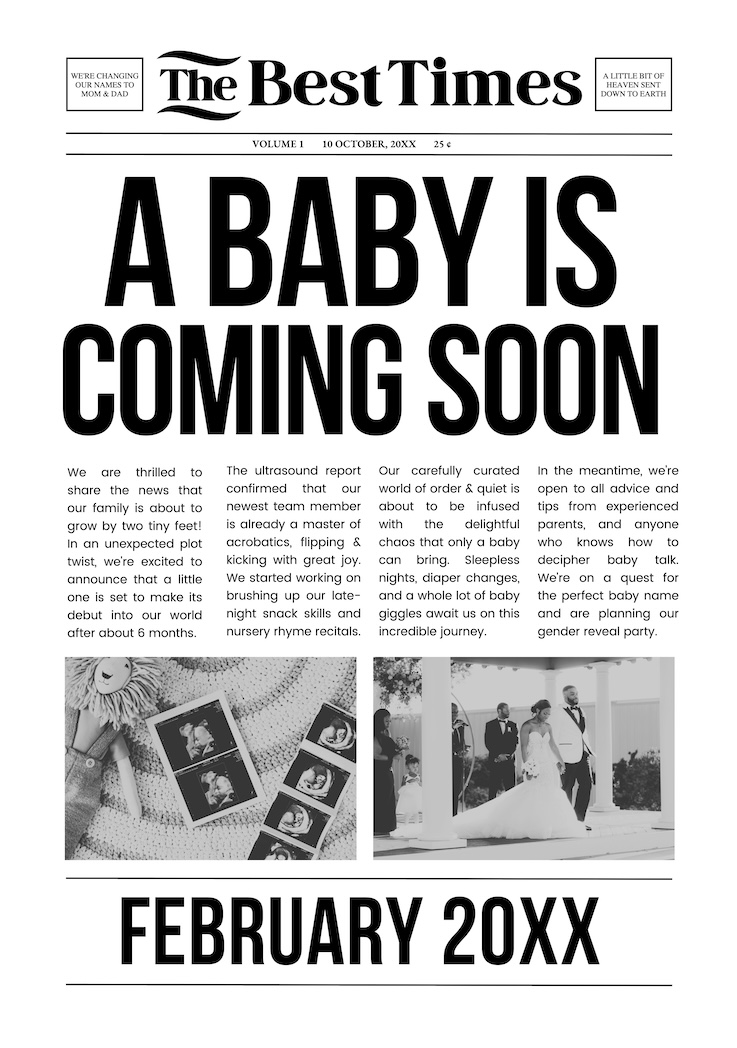
Pregnancy announcement
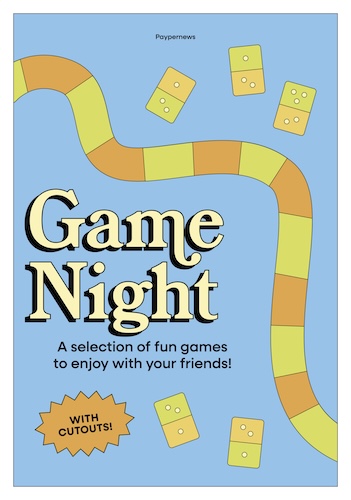
Game
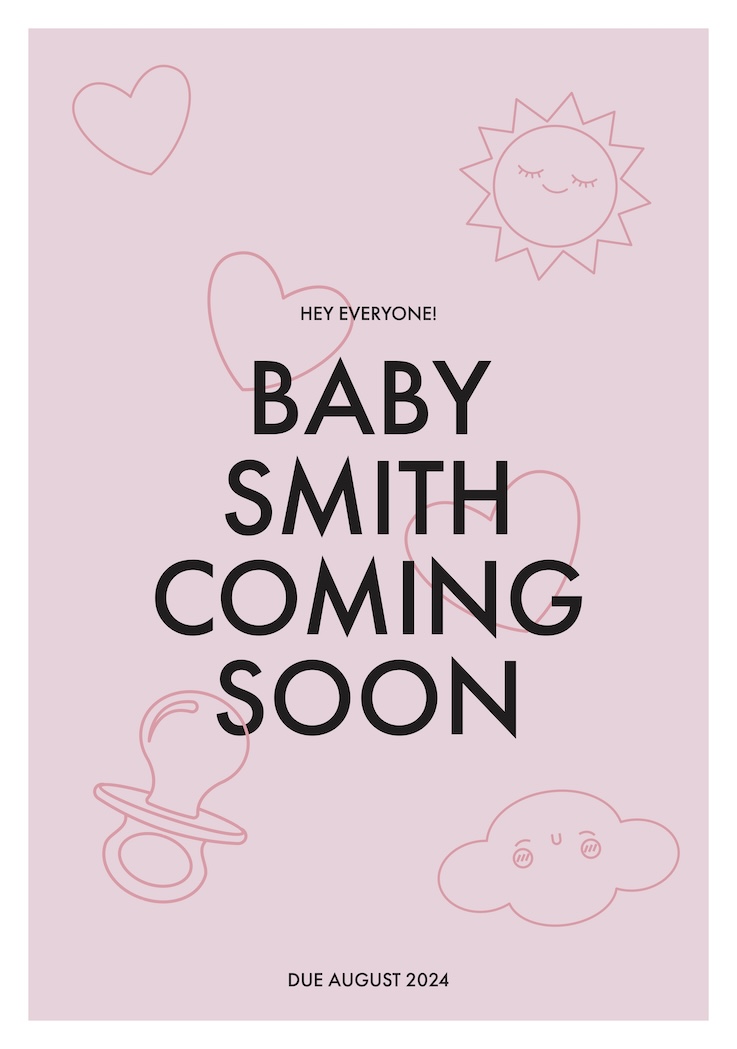
Birth
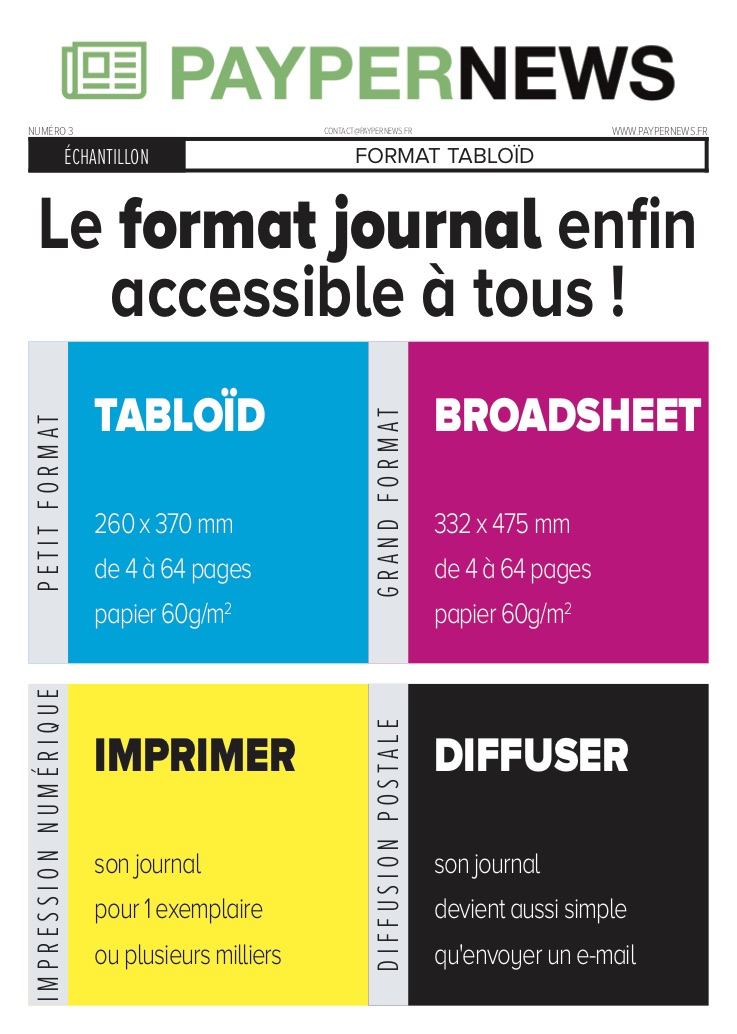
Traditional gazette template
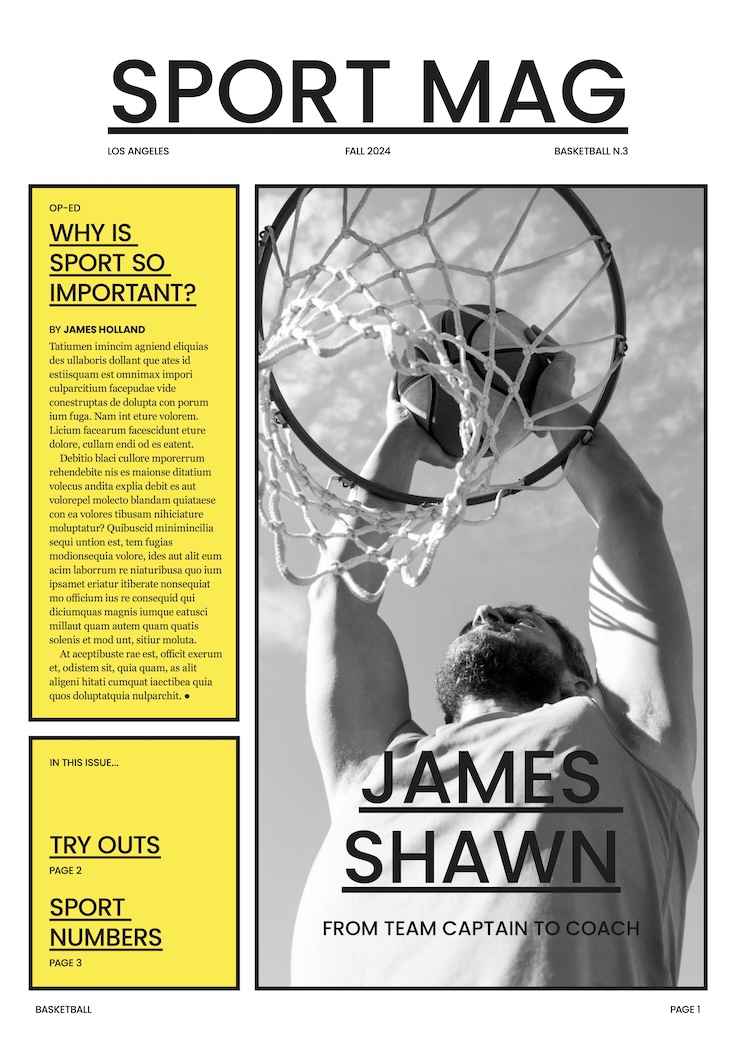
Sport
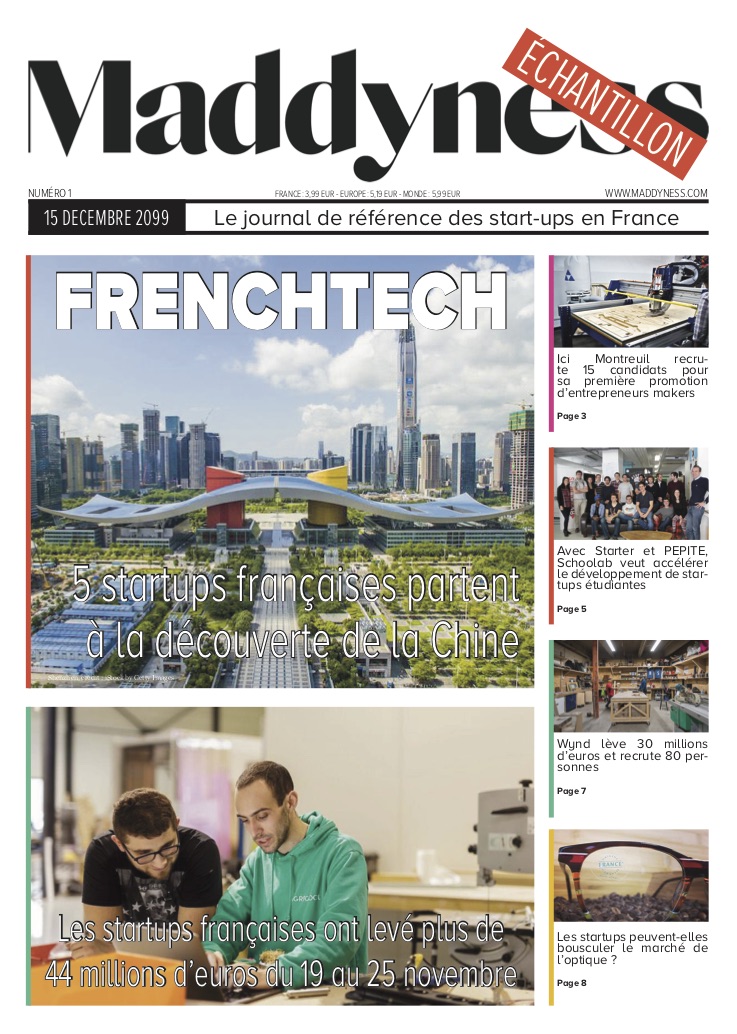
News

Blog
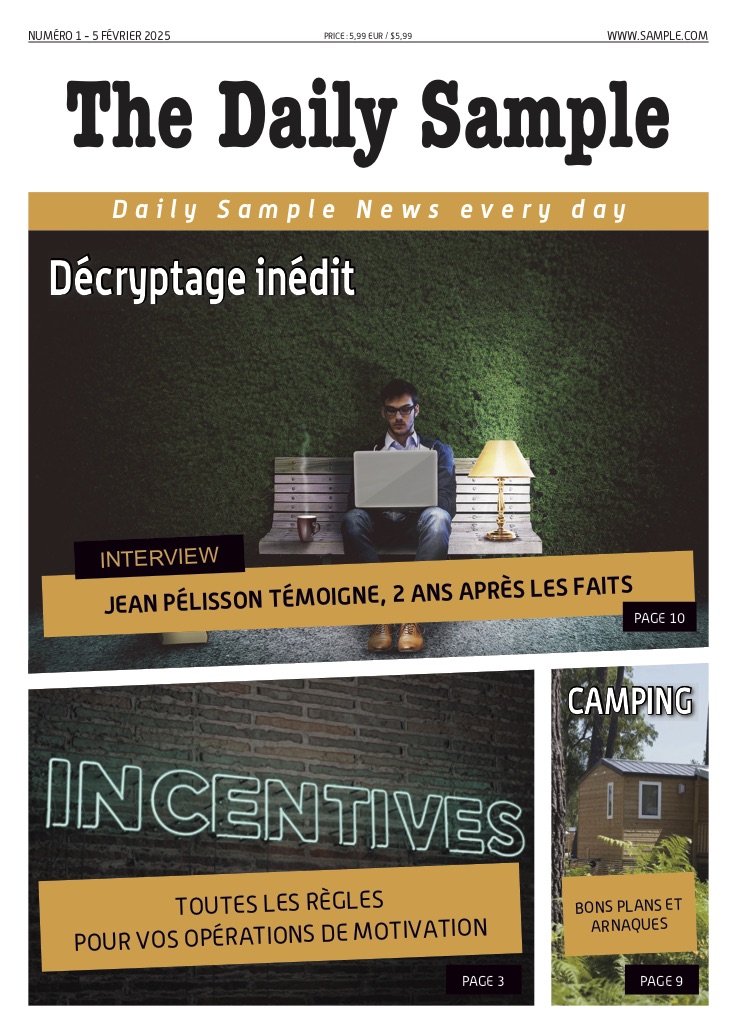
Magazine

Father's Day
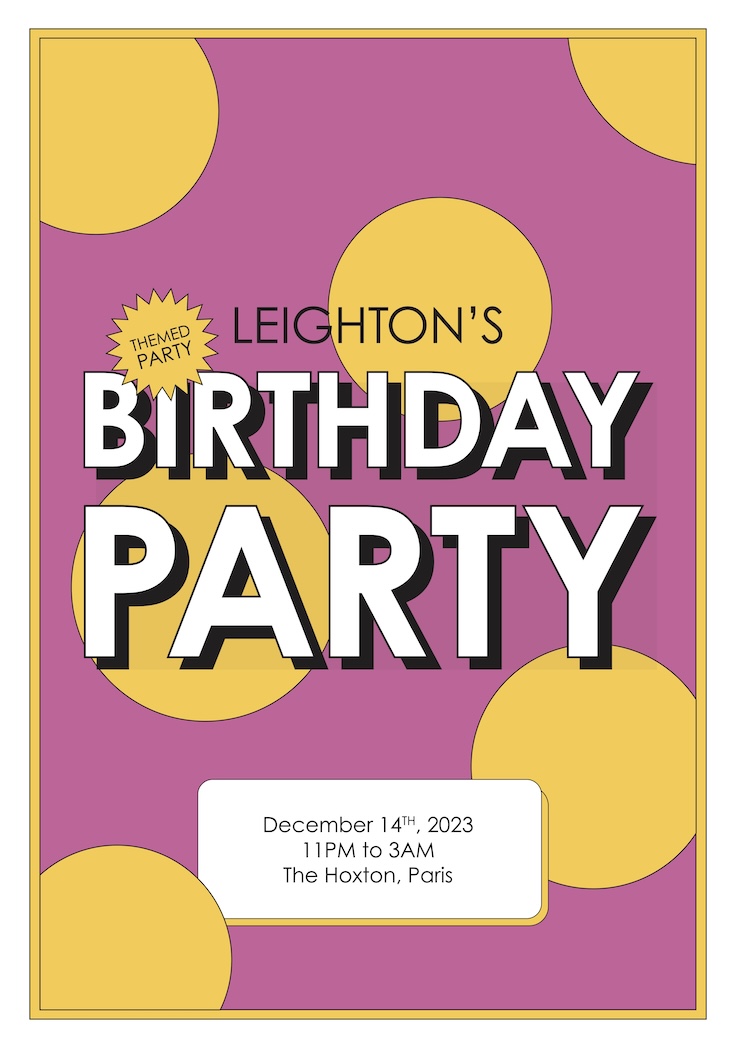
Birthday
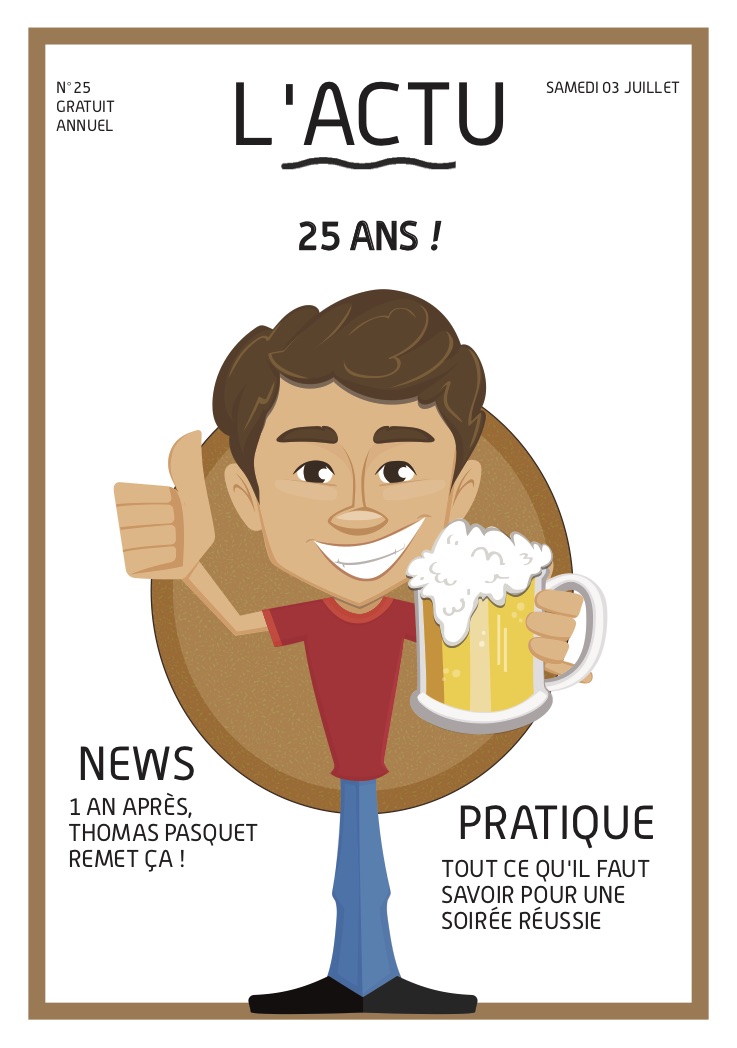
Birthday
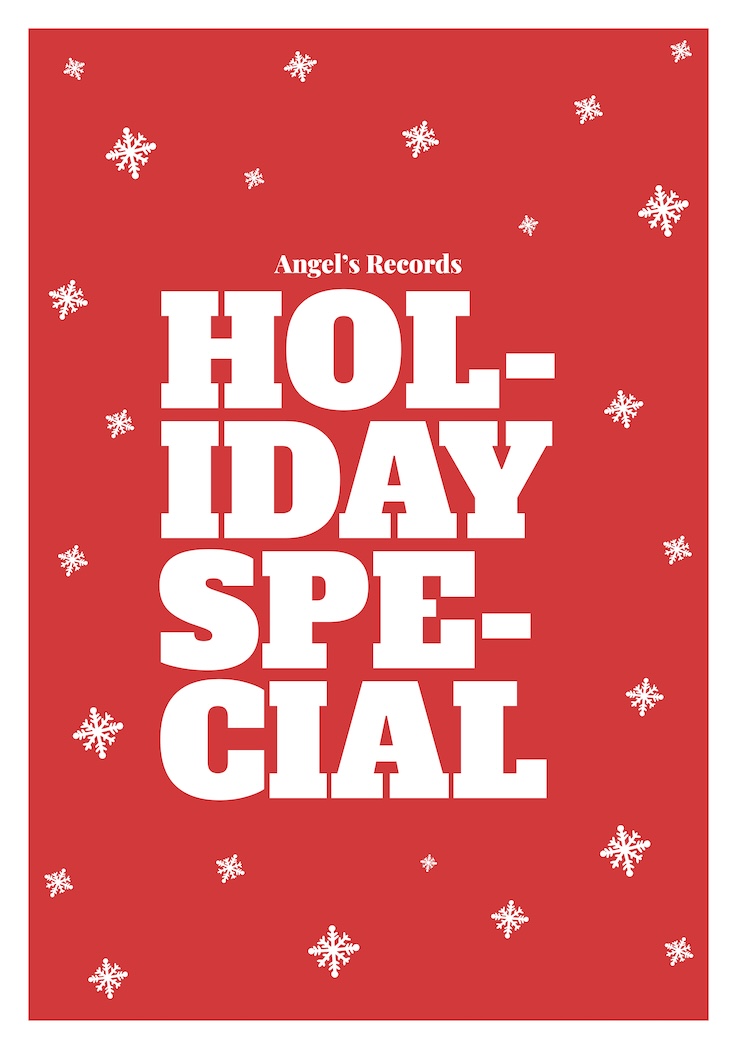
Holiday
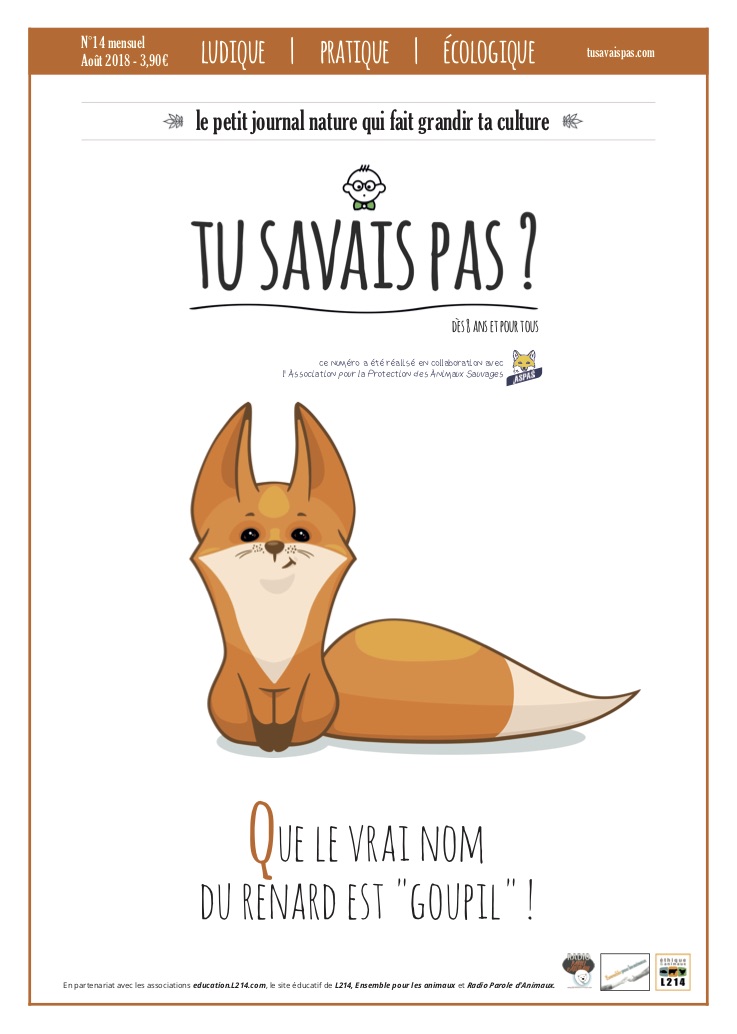
Youth
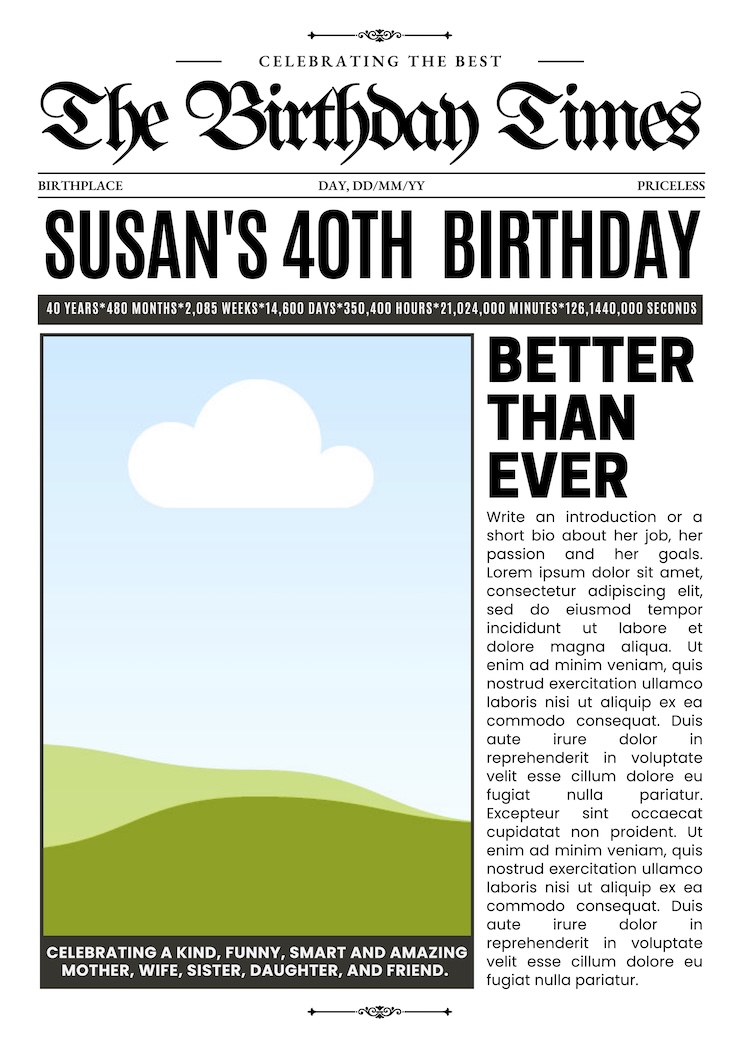
Birthday Times

Business Post
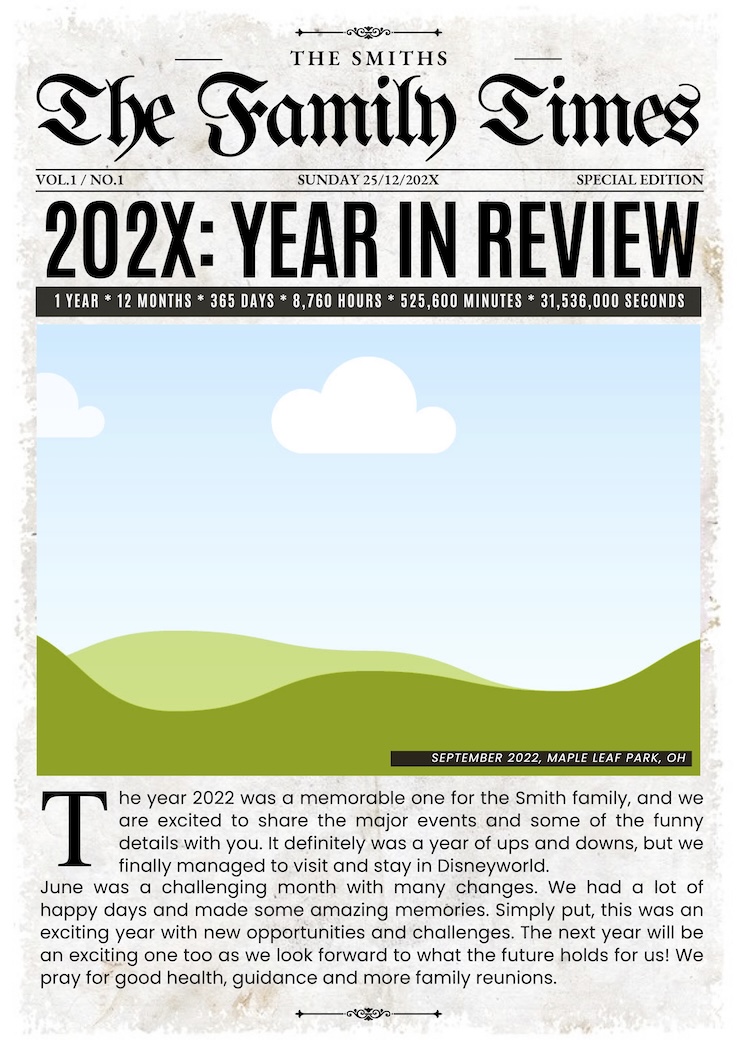
Family Times
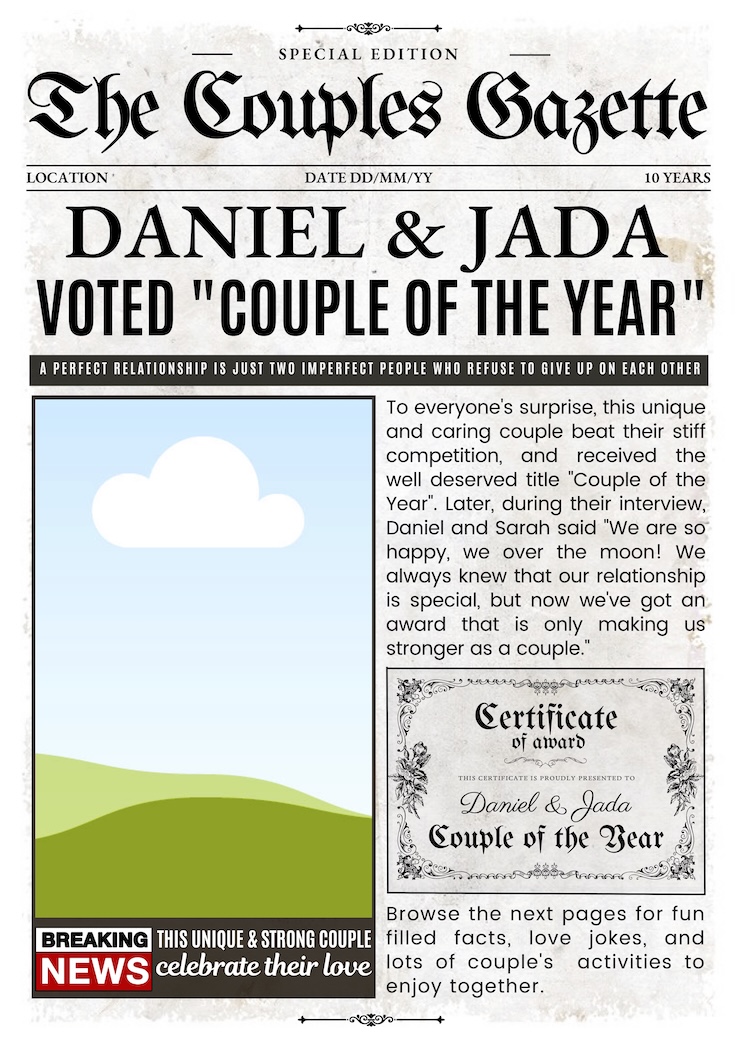
Couple Gazette
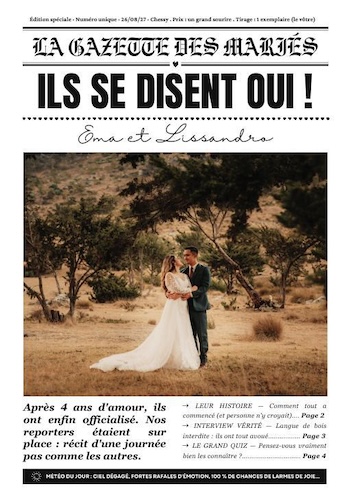
Wedding
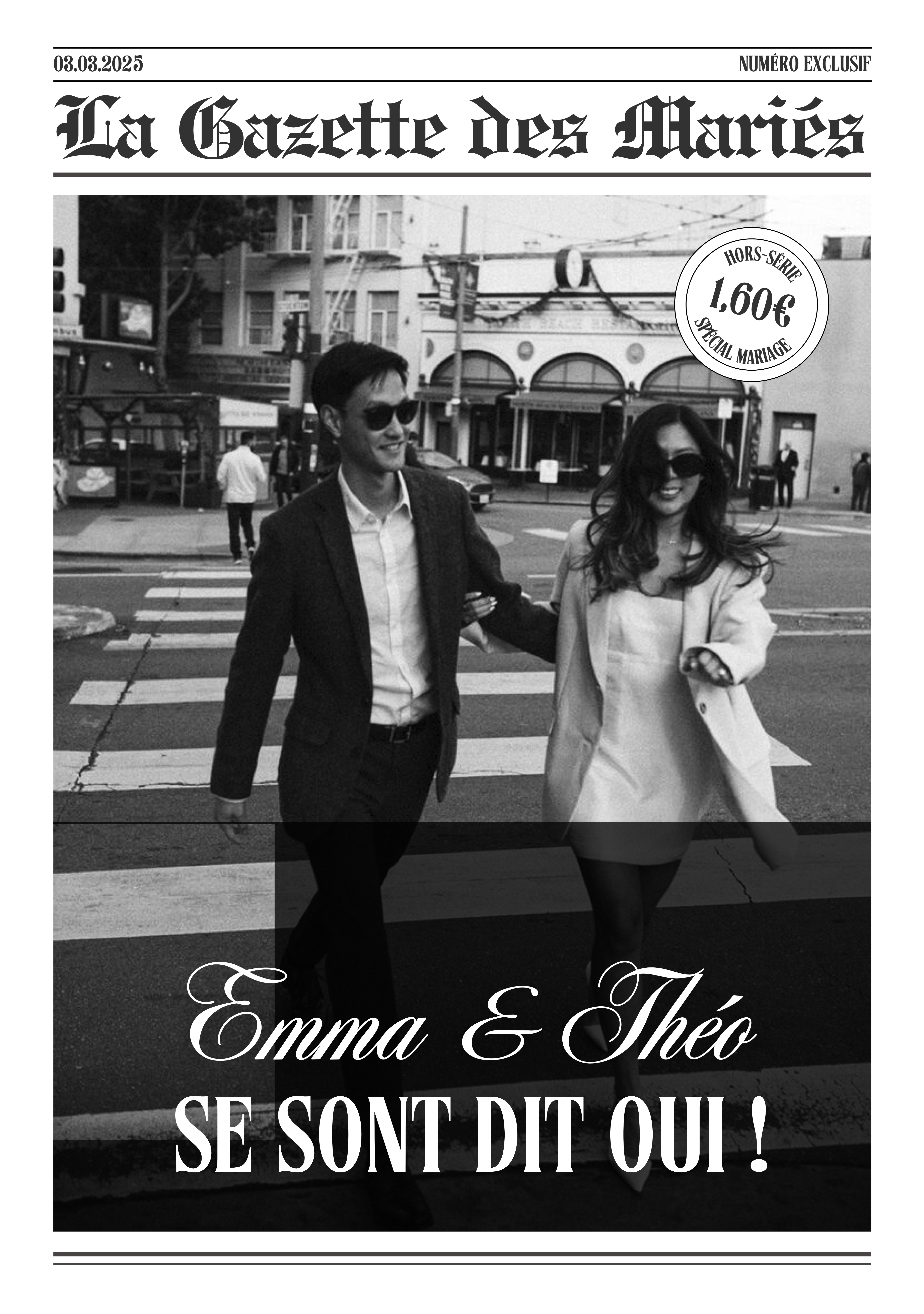
Wedding
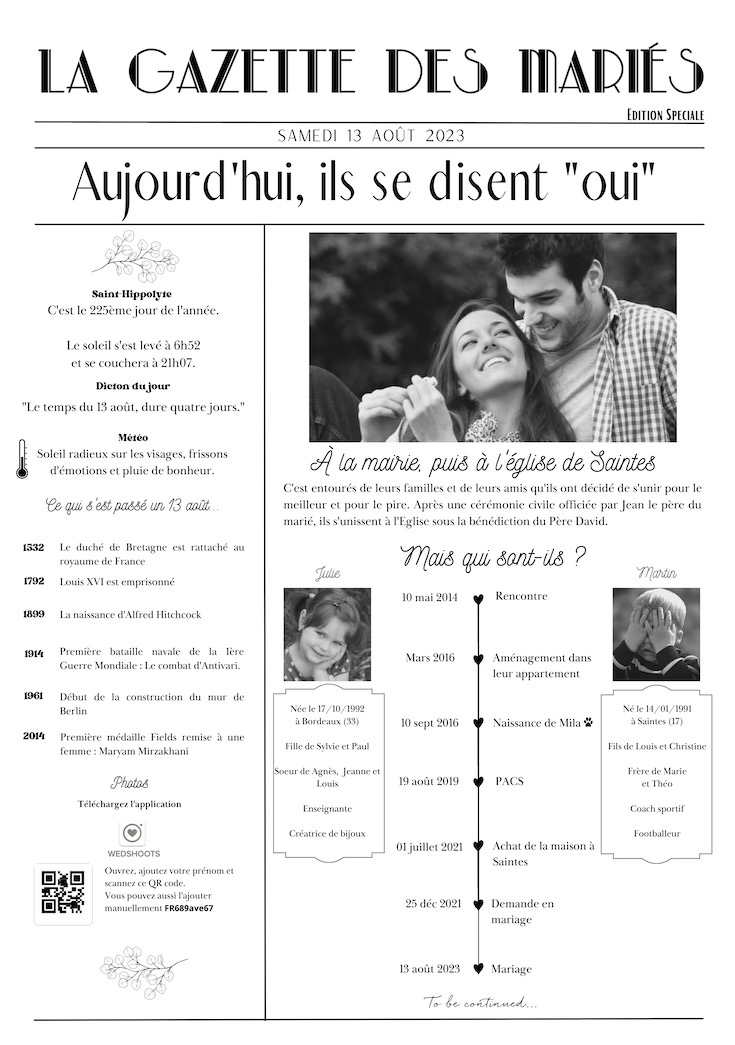
Wedding
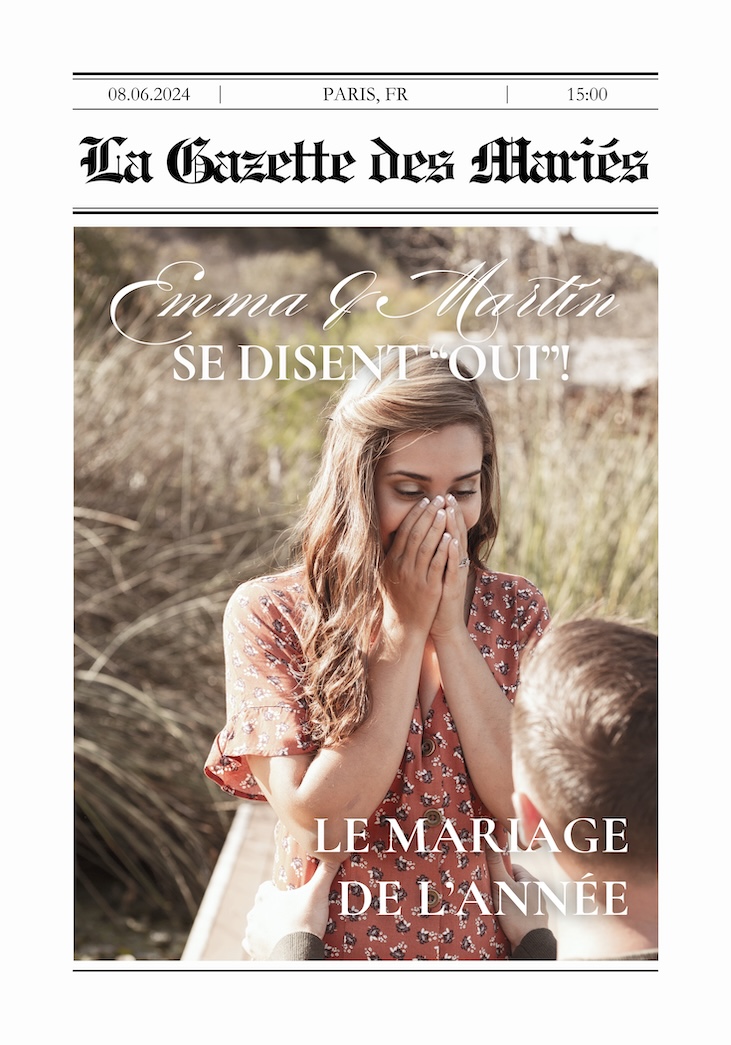
Wedding
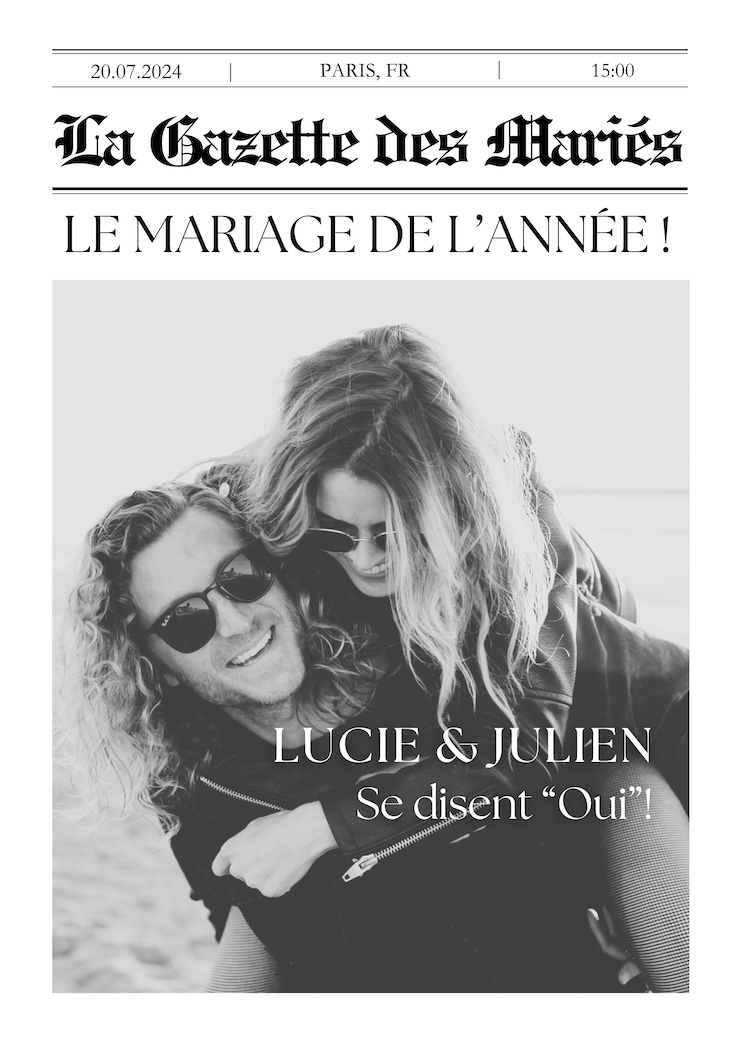
Wedding
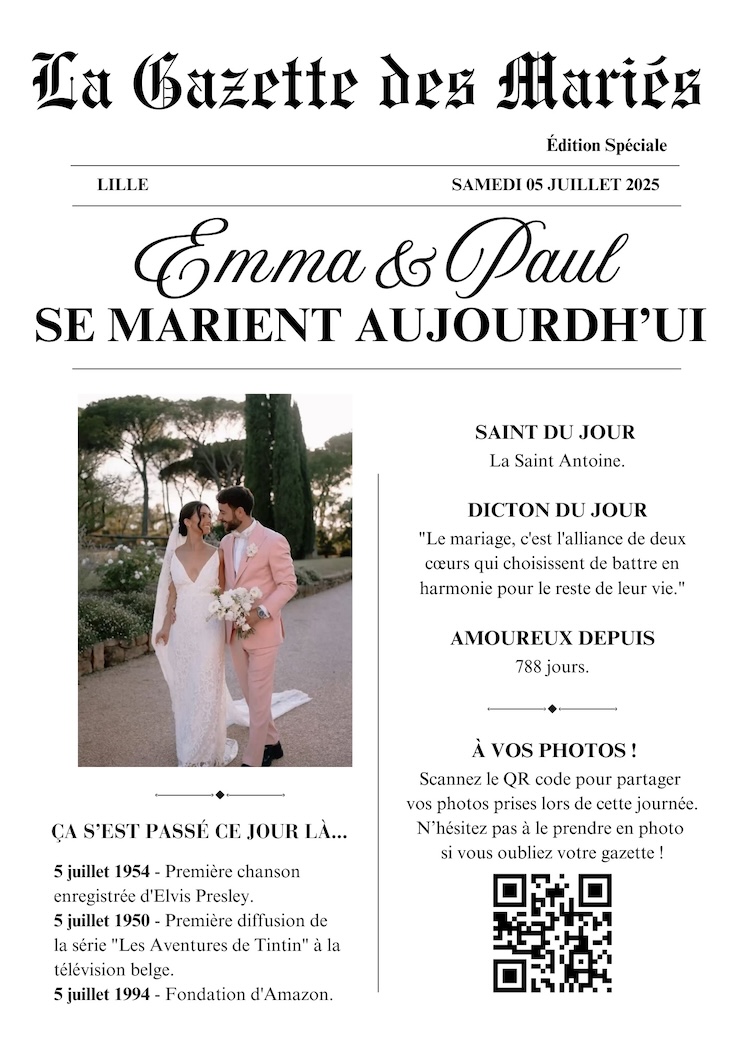
Wedding
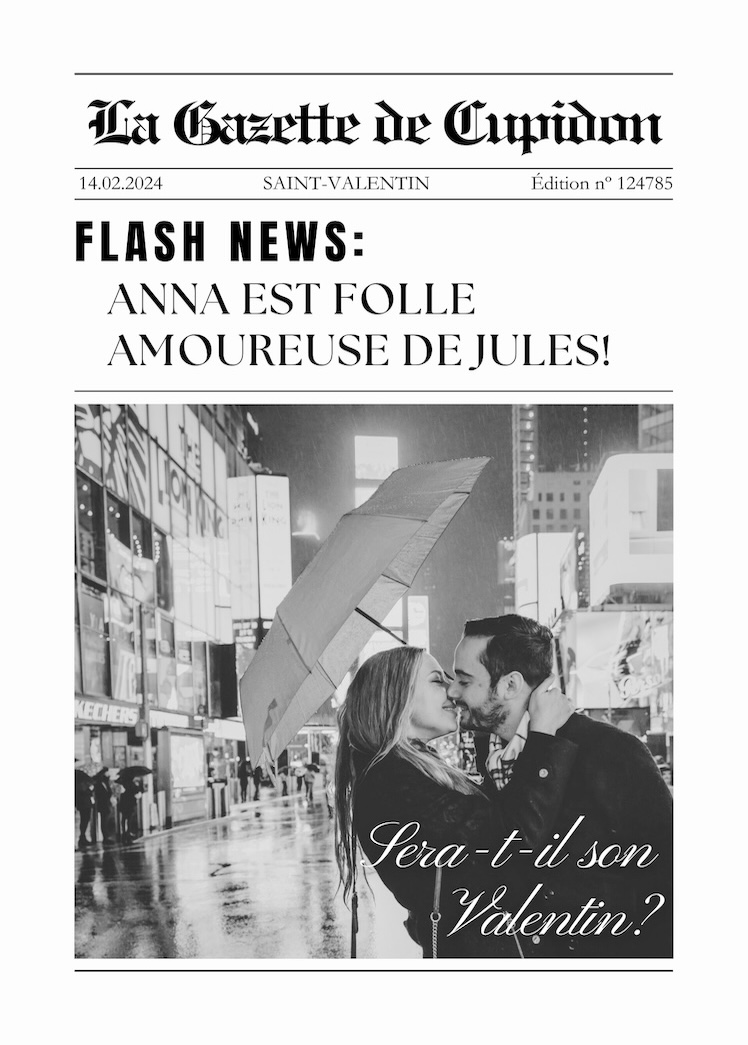
Valentine's Day
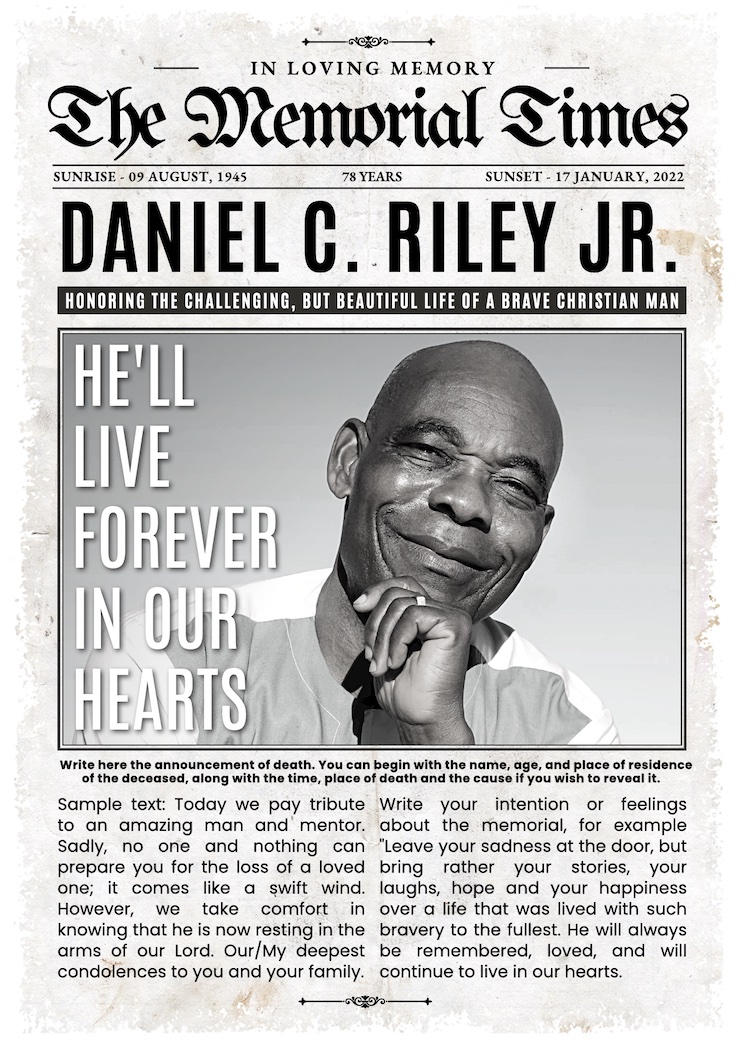
Funeral
Word Blank Tabloid
Word Blank Broadsheet
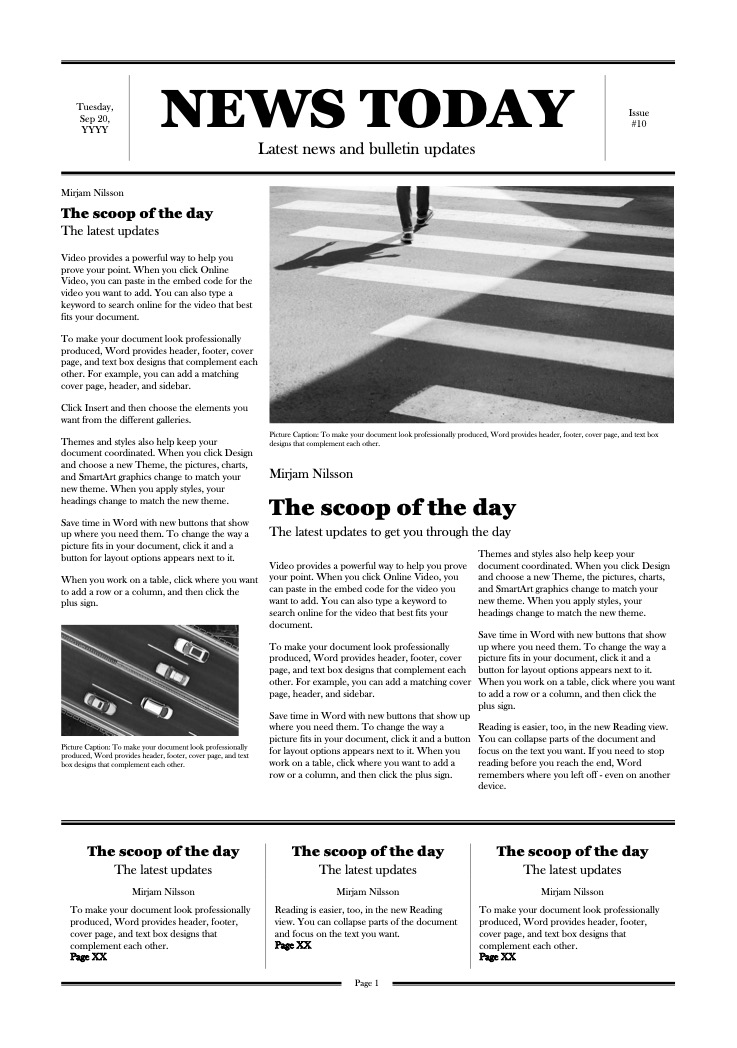
Word Newspaper
Mailout Address Zone
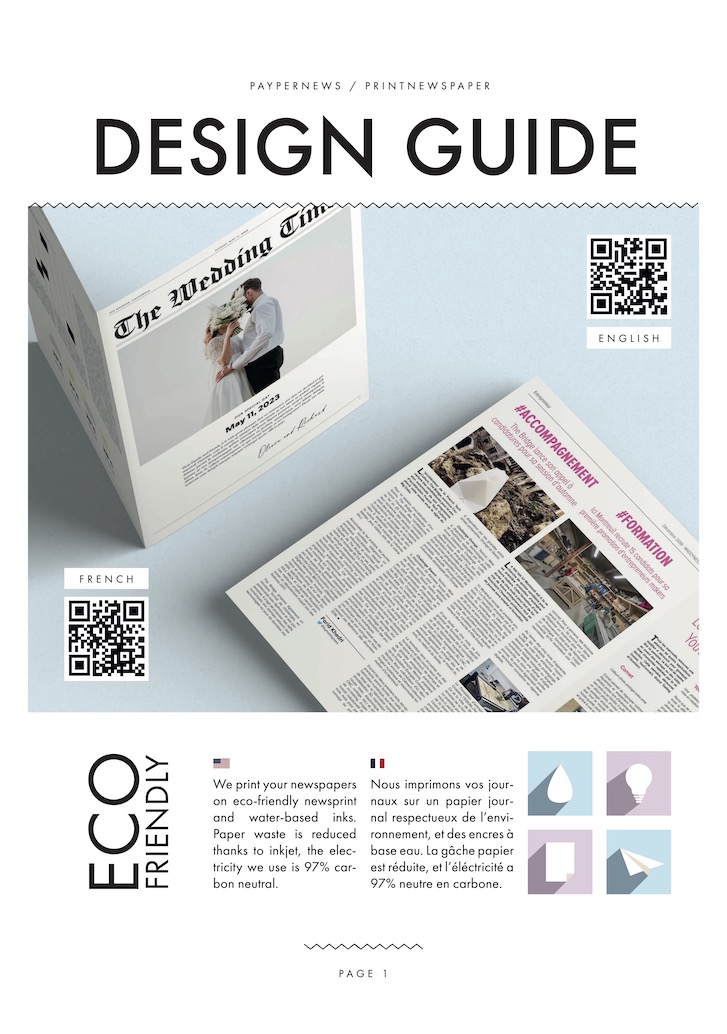
Sample
Our products
Create your own newspaper using the template of your choice. It's quick and easy!
Find inspiration and start your design process. Choose a column layout and some punchy pictures.
Titles, subtitles and dropped initials improve your design. Font and color code distinguish your newspaper from others.
You'll find free, ready-to-use newspaper templates for many uses. Weddings, birthdays, zines, old newspapers, you will find what you are looking for!
Before designing your newspaper, make sure to turn on margins.
Click on 'File' and tick 'Show ruler and guides' and 'Show margins'.
Once your newspaper is ready, click on 'Share', then click 'Download' and choose the 'PDF Print' file type.
You are now ready to upload your newspaper, and order prints from your PRINTNEWSPAPER account!
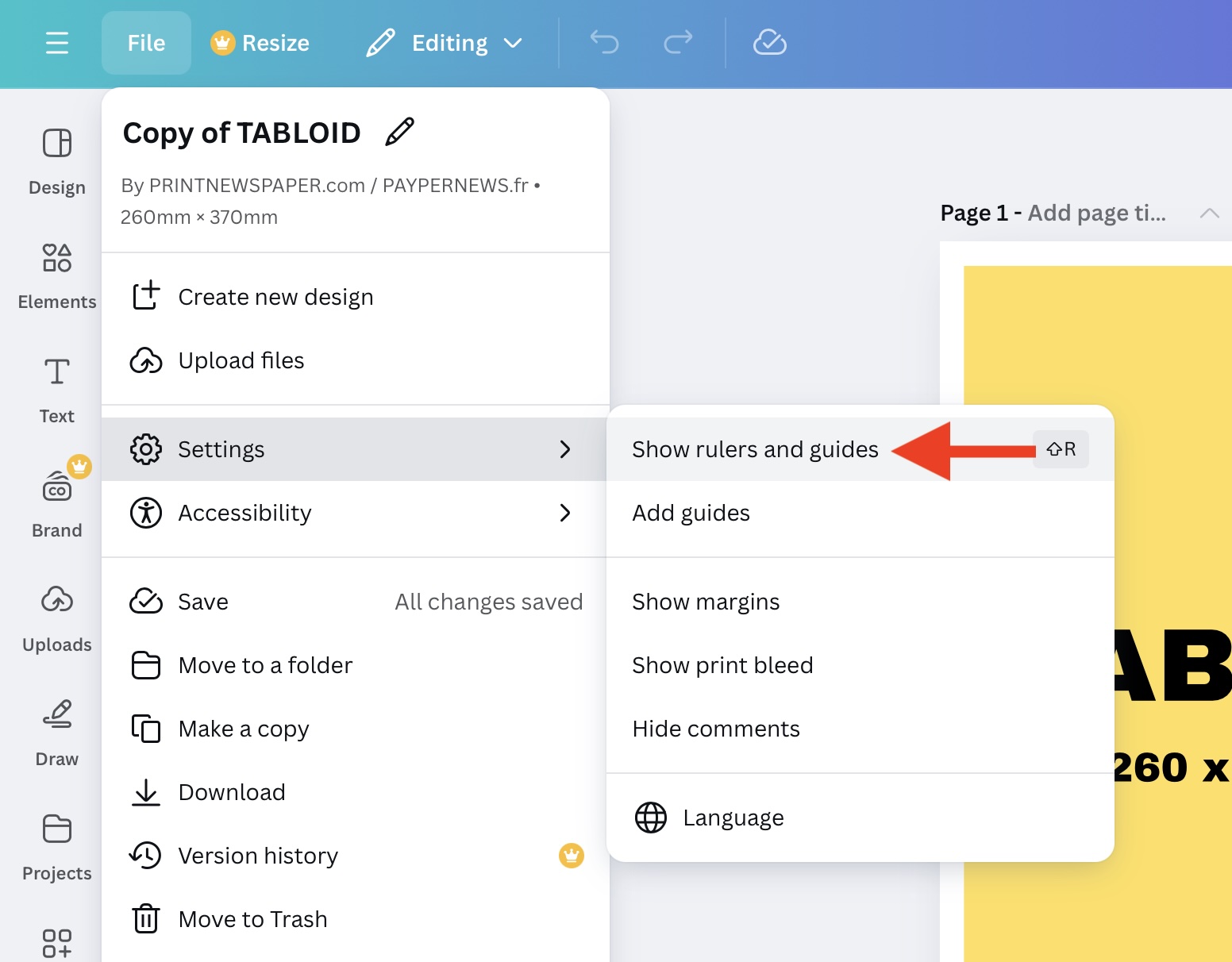
Configure Canva.
All the templates offered here are in Canva and/or InDesign format.
Canva is a very popular online design tool for creating professional-quality layouts. You can access numerous layout templates, as well as professional features.
You don't need to download any template: click on the newspaper you want to edit and it will open on your browser. Once your account is created, you'll be able to design your own newspaper. Our newspaper templates are ready to use: correct size and margins.
Have a look at partner stores offering templates at the right size - over 1000 sales and hundreds of great reviews! You'll find ready-to-use Canva newspaper templates at an affordable price, and promo codes!
We have prepared blank Tabloid and Broadsheet templates, as well as a suggested traditional newspaper template in Tabloid format.
In order to use our newspaper templates, you need to install InDesign, Word, or use an online design tool. Download the and unzip the template you want to edit.
Select the .INDD file in order to open your template. We also provide an .IDML file for older versions of InDesign.
If you don't have any design software installed on your computer, you can use a an online design tool such as Canva.com. You will be able to make your own newspaper template from your browser. Consider configuring pages at the Tabloid 260 x 370 mm or Broadsheet 332 x 475 mm size.
Word newspaper templates are only available in the .DOCX format, you need to use a recent version of Word.
Keep in mind that you need to keep 10mm technical white margins, configure page size at the right format (Tabloid or Broadsheet) and export a file that contains between 4 and 48 pages.
Balance images exposure and contrast in order to get a good range of mid-tones. Use high-definition images as much as possible.
You can use a column layout for your articles, such as newspapers sold at kiosks.
Once your newspaper template is ready, export it as a PDF file, keep pages into the reading order, without bleed or trim marks.
Then, upload your newspaper template to your account. You will be able to check a digital proof, and even order a proof of your newspaper in order to ensure you'll get the result you expect for the main run.
Need a little help?
A newspaper template is a pre-designed model that serves as a foundation for creating your own newspaper. It includes a structured layout with sections for headlines, articles, images, and columns, which can be customized to suit your needs (wedding, event, communication, corporate, school, etc.).
To create a newspaper, simply choose a template from the ones we offer, edit it using a design tool like Canva or InDesign, then export it as a PDF for printing. PRINTNEWSPAPER provides ready-to-use templates to simplify every step.
The easiest tools for customizing a template are Canva and InDesign. Canva is ideal for individuals and beginners. InDesign is more comprehensive, perfect for a professional finish.
Simply open the template in Canva or InDesign. You can edit the text, add your images, and apply your own colors and fonts before exporting it as a PDF for printing.
Need a little help?




