




Blog
Best Wedding Newspaper Templates: From Vintage to Modern
5 design styles, Canva or InDesign, and how to choose a template that is ready for newspaper printing.
Best wedding newspaper templates: from vintage to modern
For your wedding newspaper, starting from a template rather than a blank page saves you 6 to 10 hours of creative work and steers you clear of the technical traps of newspaper layout. You still need to pick a template that matches your style and is properly set up for printing on a real newspaper press.
Here are the 5 main design styles, the tools where you'll find them, and the criteria to get it right.
Why start from a template instead of a blank page
Three practical reasons that make all the difference.
Time saved. Building a newspaper layout from scratch easily takes 8 to 12 hours for someone who isn't a designer. With a template, that drops to 2 to 4 hours spent on content alone: photos, text, personal touches.
Technical setup. A good template already includes 10 mm (0.4 in) margins, a 3 mm (0.12 in) bleed, a column grid, a masthead area and a page count in multiples of 4. You avoid mistakes that are invisible on screen but costly in print.
Visual consistency. A template enforces a design discipline (fonts, color palette, hierarchy) that few couples keep up when creating from scratch. The final result looks more professional with no extra effort.
Style 1: vintage and nostalgic
Sepia-toned paper, old-style serif fonts (Playfair Display, Old Standard, IM Fell), black-and-white or sepia photos, floral ornaments. This style suits rustic and romantic weddings, historic estates and charming venues. The "old-time gazette" effect works especially well on 60 gsm matte newsprint, which brings out its authentic feel.
A trap to avoid: too many decorative elements (frames, flourishes, illustrations) quickly clutter the page and make it hard to read. One recurring decorative motif is enough.
Example: the "Union Times" template, with a sepia background and western-style lettering.
Style 2: classic broadsheet
Inspired by the great 20th-century dailies (The Times, The New York Times, The Washington Post). Understated serif fonts, a bold masthead, a strict column layout (4 or 5 columns), little color. The "newspaper of record" effect is instant. It particularly suits elegant, formal weddings in prestigious venues.
The challenge with this style: it requires typographic discipline. Mixing too many fonts or breaking the column grid ruins the effect instantly.
Example: the "The Wedding Times" template, in black and white with text columns.
Style 3: modern and magazine
A style close to a contemporary magazine (Vanity Fair, Vogue). Large color photos, geometric sans-serif fonts (Montserrat, Poppins, Helvetica), colorful palettes, asymmetric layouts. This style appeals to urban, contemporary, design-minded weddings. More forgiving than the first two, it is also harder to balance without looking like a corporate brochure.
Example: the "Big Day" template, with a full-page photo and a sans-serif headline.
Style 4: minimalist and clean
Plenty of white space, few elements, clean fonts, a one- or two-color palette. The content can breathe. A very popular style in recent years, and one that works well on matte newsprint.
It demands strong editorial discipline: if you want to include 6 or 7 detailed sections, minimalism isn't for you, it will feel cramped.
Example: the clean "The Wedding Times" template: one photo, one date, lots of white space.
Style 5: artistic and illustrated
Hand-drawn illustrations, watercolors, line drawings, a travel-journal feel. Personal and one of a kind, this style requires either an illustrator among your friends and family, or an investment in professional illustrations. Maximum impact for couples who embrace a very creative approach and want a truly unique keepsake.
Canva or InDesign: which tool for which template
Canva. The most accessible tool for most couples. A visual interface you can learn in 30 minutes, and a free plan that is enough for a 4 to 8 page newspaper. It is the tool most couples reach for when looking for a wedding newspaper template, and for good reason: Canva makes accessible a job that used to require design skills. Limits to know: CMYK conversion relies on an export setting you must enable manually, and fine typographic control is less powerful than in professional software.
InDesign. The professional standard for newspaper and magazine layout. Full control over columns and typography, native CMYK color management, PDF/X-1a export. Ideal if you're a designer, an art student, or have someone close to you who knows the software. For a beginner, the learning curve is too steep for a project with a deadline.
The smart move. If you're new to layout, go with Canva. If you already know InDesign, or someone close to you does, use InDesign for more precision. Both produce files that are perfectly print-ready for a newspaper press.
What makes a template print-ready for a newspaper press
Not all templates are equal. Before choosing one, check these five points.
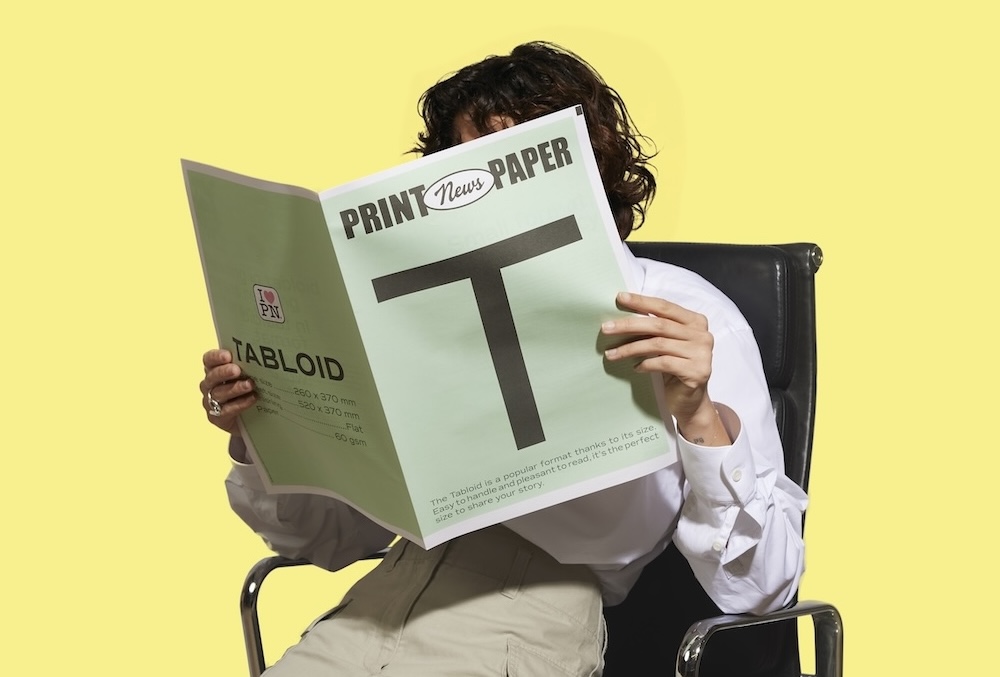
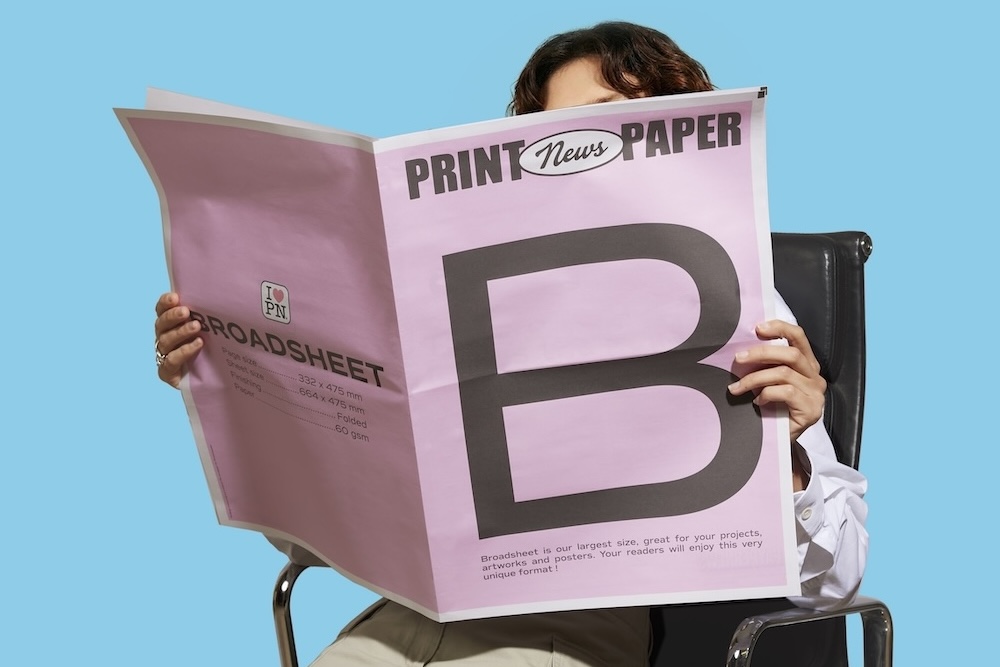
A standard newspaper size. Tabloid, 260 × 370 mm (10.2 × 14.6 in) or broadsheet, 332 × 475 mm (13.1 × 18.7 in). No A4, A3 or US Letter dressed up as a newspaper: those sizes will never look like a real daily.
10 mm (0.4 in) technical margins. Built in from the start, visible as guides in Canva or InDesign.
A column grid. 3 to 5 columns depending on the size. Templates without a column grid will never look like an authentic newspaper.
A page count in multiples of 4. 4, 8, 12, 16 pages. Newspaper folding requires it.
A dedicated masthead area. The title area at the top of the front page should be at least 6 cm (2.4 in) tall on a tabloid, with a horizontal rule under the title.
How to choose your template
Your wedding style. Rustic, contemporary, elegant, quirky: the template should extend the overall mood, not contradict it. If in doubt, look at your invitation and pick a template that echoes it.
Your planned page count. Some templates are designed for 4 pages, others for 8 or 12. Make sure yours covers your needs without having to bolt on makeshift pages that would break its consistency.
How much you want to customize. Choose a template that lets you change photos, text and colors easily. If changing a background color means editing 15 elements, you'll give up halfway.
Your design comfort level. If you have no design experience, choose a highly structured template that forgives mistakes (colored backgrounds, for example, hide imperfections). If you're more confident, choose a minimalist template that will showcase your content better.
Template mistakes to avoid
Choosing a gorgeous template that isn't set up for newspaper printing. An A3 or US Letter template won't turn into a press-ready newspaper by changing one setting. Check the size from the very first step.
Over-customizing. The classic temptation: adding your own fonts, palettes, backgrounds and illustrations. After 3 major changes, the template loses its consistency and the result looks messy. Limit design changes to your 2 or 3 top-priority personal touches.
Forgetting the CMYK conversion. Even a perfectly set-up template loses its colors if you export in RGB. Check this setting on every final export. To go further, the ten pro design tips that make the difference are covered in a separate guide.
Where to start
Three steps to get started with peace of mind.
Step 1. Choose your size (tabloid or broadsheet) and your style (from the 5 above).
Step 2. Grab a free Canva or InDesign template set up for your chosen size.
Step 3. Fill the template with your content, without overloading the design. For sections, pick from our 25 content ideas.
Once your PDF is ready, press printing takes over, with a production time of 2 to 5 business days. And for the big picture, see our complete guide to the wedding newspaper.