Tabloid
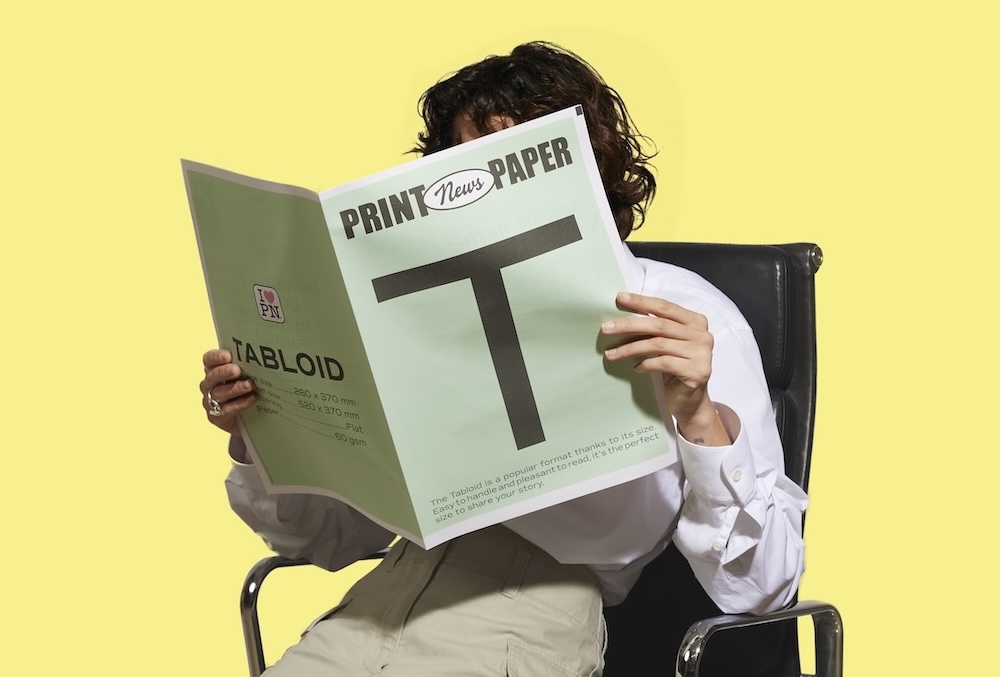
The classic newspaper format, the most popular.
Broadsheet
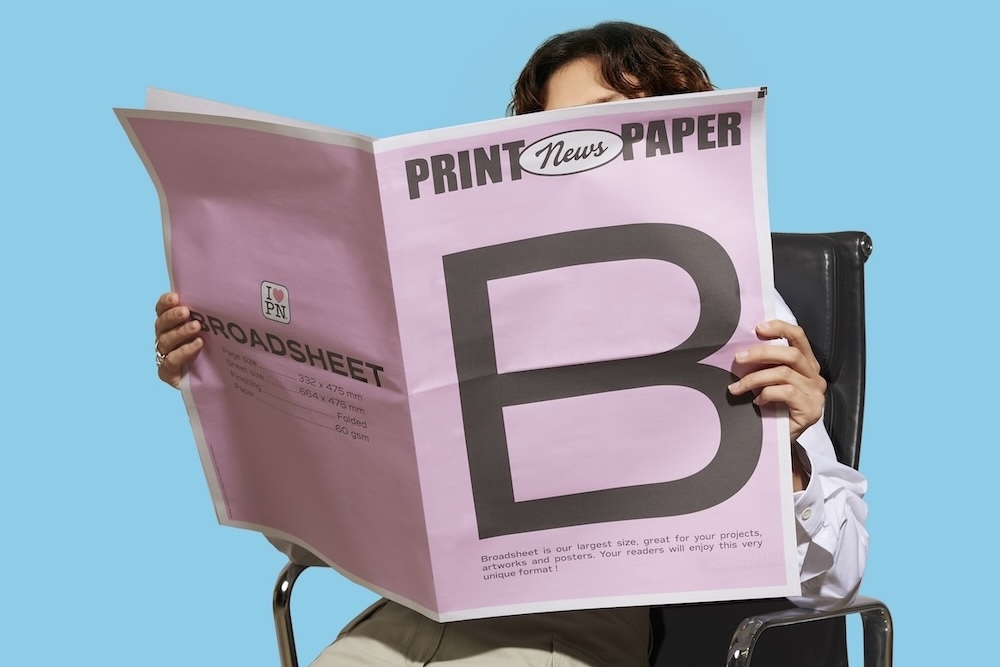
Large-format newspaper, ideal for impact.


Tabloid
The classic newspaper format, the most popular.
Broadsheet
Large-format newspaper, ideal for impact.

Blog
Technical margins, bleed, pagination, CMYK, 60 gsm paper: everything before you order.
The tabloid format (260 × 370 mm) has become the standard of compact press worldwide and of most personal newspaper-style projects: wedding newspaper, event paper, company newsletter, concert programme. Printing correctly at this format means respecting about a dozen precise technical parameters. Here is the complete guide, from designing the layout to delivery.
The size is precise and non-negotiable. Setting your software to 259 × 369 mm or 261 × 371 mm may seem harmless, but on an industrial web press these small offsets create trimming and alignment problems. Check the exact dimension from the moment you create the document.
Once folded for distribution, the tabloid measures 260 × 370 mm. That is the final format your readers will hold. Anticipate this fold: whatever sits in the middle of the page (the "gutter") must be able to absorb the fold without breaking an important text or photo.
The golden rule: no important element should come closer than 10 mm to the page edge. This technical margin protects your content from the hazards of industrial trimming, which has a tolerance of about ± 1 mm. Without this safety zone, you risk losing a face, a keyword in a headline, or an important graphic element.
Recommended setup. Inner margin (gutter): 10 mm so text is not lost in the fold. Outer margin: 10 mm. Top margin: 12 mm to let the "head" of the page breathe. Bottom margin: 12 to 14 mm, since the "foot" traditionally carries pagination, credit or a small text.
Press printing folds and nests the sheets, which requires pagination in multiples of 4. You can print 4, 8, 12, 16, 20, 24, 28, 32, 36, 40, 44 or 48 pages in a single signature. Beyond that, several signatures nest together.
Concretely: one sheet of newsprint folded in half gives 4 pages. Two nested sheets give 8 pages. Three sheets give 12. If your project is 10 pages, you will have to choose between rounding down to 8 pages (sacrificing 2 pages of content) or going up to 12 pages (creating 2 extra pages, often reserved for secondary content such as a closing note or a thank-you page).
Sweet spot for most personal projects: 8 pages. Enough to develop 5 to 7 sections, not so much as to tire the reader.
Resolution. 300 DPI minimum on all images. Below that, you risk visible pixelation. Rule of thumb: a photo taken with a recent phone in high-quality mode provides enough resolution for a tabloid. An image pulled from the web almost always has insufficient resolution.
CMYK colour space. The press prints in CMYK (cyan, magenta, yellow, black). If your PDF is in RGB, colours will shift automatically at print time, with unpredictable results. Reds turn orange, blues turn slate, greens become more yellow.
Practical prep. In Canva, tick "PDF Print" then "CMYK" at export. In InDesign, work natively in CMYK from the start of the document, and export to PDF/X-1a, the standard format of professional printing.
The standard newsprint is 60 gsm matte off-white, FSC- and PEFC-certified. It is the weight of real newsprint. There are several reasons for this industrial choice.
Weight. 60 gsm is the optimal compromise between hold (the paper must survive folding and handling), absorption (ink must sink into the paper without smearing) and cost (the overall weight of a high-volume run stays under control).
Matte texture. Newsprint is uncoated. That is what gives it its characteristic touch, matte and slightly rough. Glossy paper would radically change the perception: you would have a magazine, not a newspaper.
Off-white tone. Newsprint is never pure white. Its naturally slightly ivory tone amplifies the authentic effect and makes black-and-white photos warmer.
A tabloid is not set full width. The press rule: 3 columns for an airy, modern format, 4 columns for a dense classic format, 5 columns for a historical daily format.
Column width in 3 columns: about 75 mm. In 4 columns: 55 mm. In 5 columns: 43 mm. The narrower the column, the more economical the text must be (9 to 10 pt body rather than 10 to 11 pt).
The gutter between columns (the white space that separates them) should be about 4 to 5 mm. Narrower, the columns visually touch. Wider, the page loses its press density.
On an industrial web press, folding is automatic. The sheets come out printed, are folded in half, then nested together to form the final signature. No glue, no staples, no manual folding.
For 12 pages, three nested sheets. Beyond 48 pages, you enter the management of several separate signatures to assemble manually, which changes the nature of the project.
Working in RGB until the final export. If you design in RGB and convert at the last minute, your colours will change. Work in CMYK from the start, or slightly raise contrast and saturation to compensate at export.
Putting important text near the edge. Respect the 10 mm technical margin. No headline, no person's face, no keyword should come near it.
Setting in 1 full-width column. A tabloid set in a single column no longer looks like a newspaper but like a book. Adopt press column layout.
Wedding newspaper.Ideal format to hand out to guests and keep after the event. The technical preparation for printing a wedding paper follows exactly the same rules described here.
Event paper (birthday, retirement, career farewell). The tabloid marks the occasion without being cumbersome. Handable, keepable.
Internal company newsletter. For internal communications meant to be more editorial than an email. Handed out on desks, available in the break room.
Festival or concert programme. A format that packs in a lot of information (line-up, site map, artist bios) without weighing down attendees' bags.
Political or activist communication. The tabloid remains the historical format of the campaigning press. Handed out in the street, immediate hook, readable while standing.
Six points to check before clicking "order".
If these five points are validated, you can send your file with full confidence.